EM Test ditoControl
Short form Introduction V 2.04 13 / 15
5.3.2 Functions in Expert Mode in addition to Easy mode
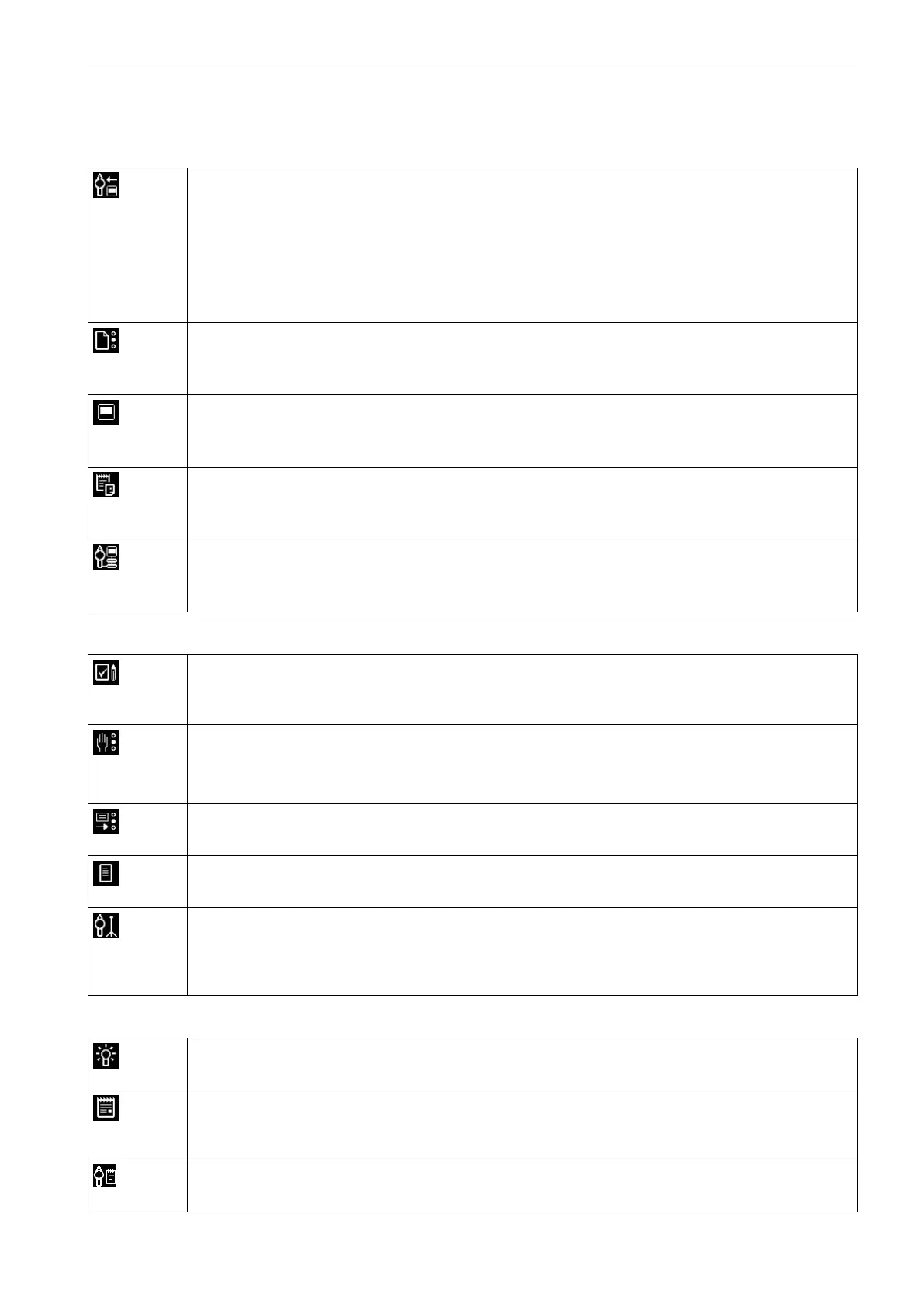
Configuration
Simulator
The serial number can be downloaded to dito.
For customer specific discharge modules the values for the R/C network can be entered.
New firmware can be downloaded to dito from ditoControl.
The calibration date can be entered
User adjustments to the factory setting can be done.
Standard
As part of ditoControl, a database of standards is available. New standards can be created
or modified.
Test Objects / Products
A product database can be defined, including pictures of the test setup and DUT. These
data can be inserted into the Test Notes and Test Reports.
Report Headers
The header of the printed document can be defined in Report Header Presetting. Text and
Logo can be inserted.
Auxiliary Equipment
For an ESD test auxiliary equipment might possibly to be used. These devices can be de-
scribed in Auxiliary Equipment and linked into the test report.
Testing
Test Notes
In Test Notes, different test parameters can be predefined. The test notes can be printed and
used as guide during the ESD test.
Test Routines
The test routines stored in dito can be uploaded.
Test routines can be generated based on the information of a test note.
Test Results
Test results can be uploaded from dito and used for the generation of a test report.
Test Report
The test report can be created by using the information of a test note.
Tripod Test
A tripod test can be performed. The parameters can be defined manually or based on a stan-
dard with different test levels. It is also possible to execute a voltage sweep with start to stop
voltage with predefined voltage steps.
Information
Test Procedure
The Test procedure describes different steps for a manual or tripod test.
Application Note
An application note for generating test notes, test routines and test report is available and can
be printed out.
dito Manual
The dito Instruction Manual is available in ditoControl and can be printed out.


 To Next Page
 Loading...