www.emachines.com
4
To turn on the monitor:
1 Press the power button on the front of the monitor.
2 Turn on your computer.
Adjusting settings
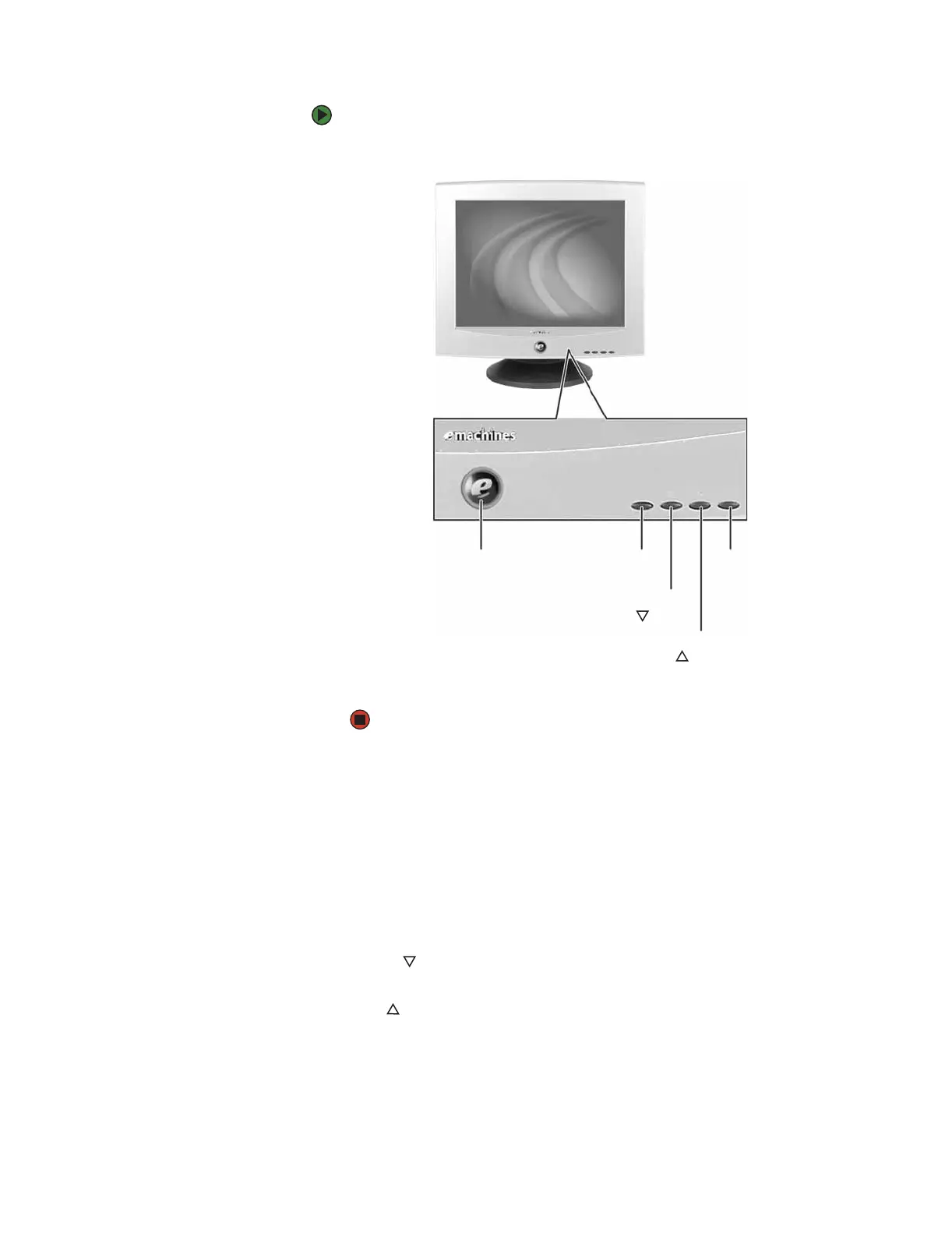
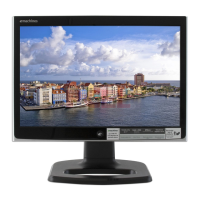
Power button. Turns the monitor on and off.
Power indicator. Turns blue when the monitor is operating normally, then
flashes when the monitor is in energy saving mode.
MENU button. Enters the on-screen display (OSD) menu or selects an OSD
menu option.
Brightness/ button. OSD inactive: Adjusts the brightness.
OSD active: Navigates to and adjusts the OSD menu options.
Contrast/ button. OSD inactive: Adjusts the contrast.
OSD active: Navigates to and adjusts the selected OSD menu option.
Exit. Exits the OSD menu or sub-menu.
Power button/
power indicator
MENU
button
Contrast/
button
Brightness/
button
EXIT
button



 To Next Page