View Emails
You should enter your mailbox when you start up the email application
a. In the mail box, you can slide your finger up and down to scroll through the email list
b. Tap an email to open it
c. Tapping and holding or pushing will bring up a menu. With the menu, you can open, reply, forward
or delete the email.
Email Menu Items
In the email list, tap the Menu icon to display the menu
a. Refresh : refresh the emails
b. Compose: Compose a new email
c. Accounts: View all email accounts
d. Account settings: Check your accounts settings
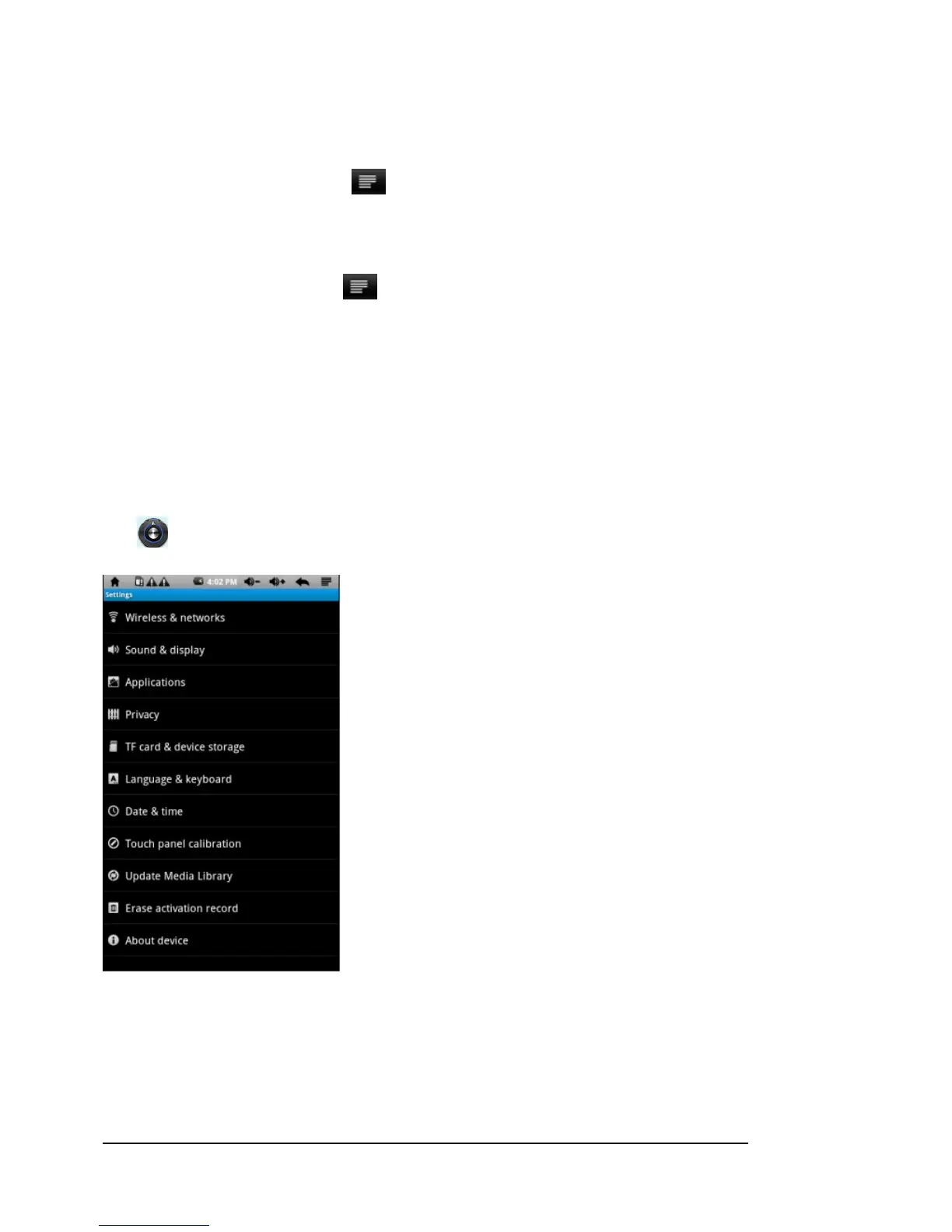
Settings
Tap shown as below:
Trouble shooting
Cannot power on the device
• When the battery is low you cannot power on the device. Please connect it to a computer via USB or use



 To Next Page