18
7.
Exploring Apps
Open up some Apps to better familiarize yourself
with your new tablet.
Use the Calendar app to view and edit
your schedule.
Touch an event to view its details.
Touch icons across the top of the screen
Calendar
or Menu to search/create events, return to today, or
adjust settings.
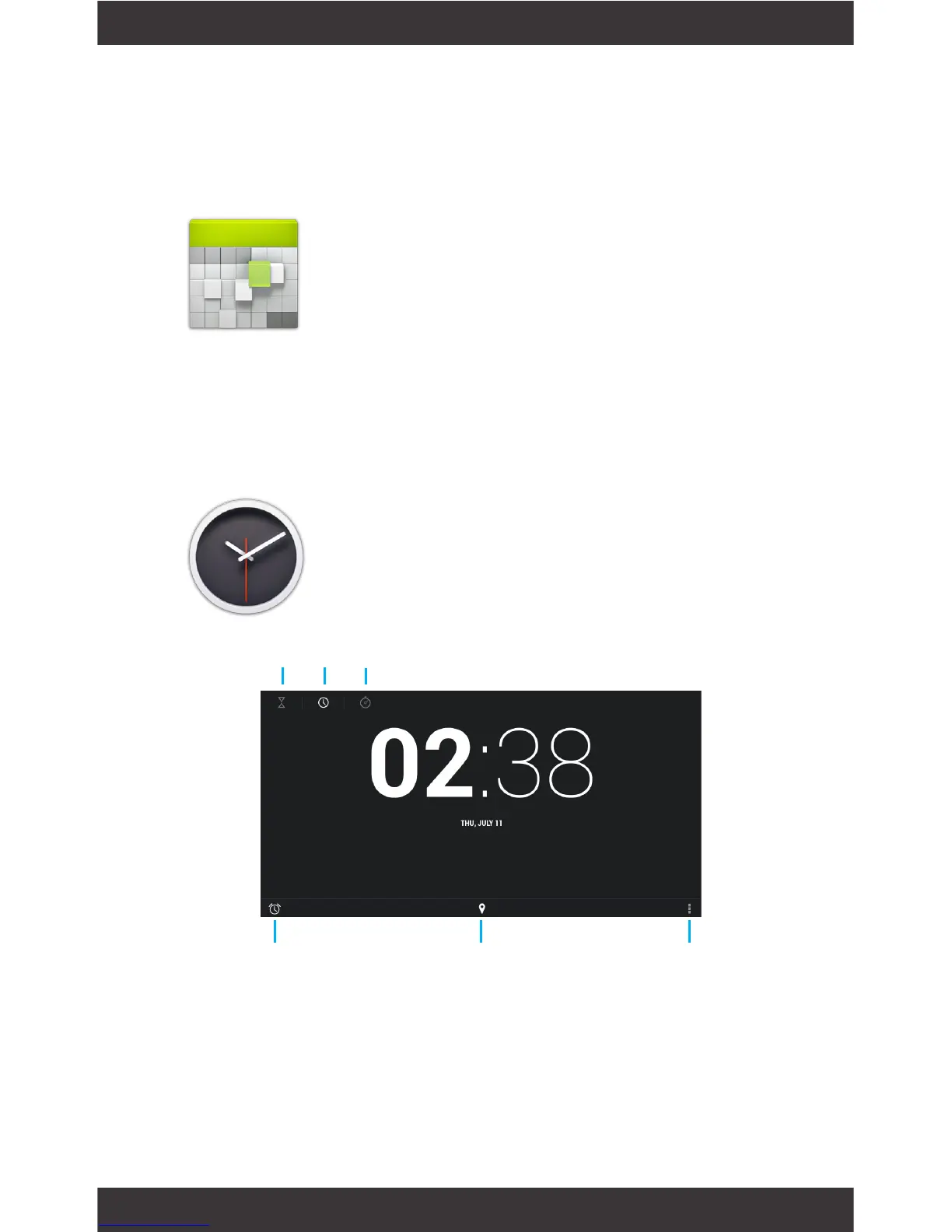
Setting an alarm:
Touch set alarm
Select the time you want, then tap Done
Clock
Timer Clock Stopwatch
Alarm Clock Tap to change Time Zone Night Mode/
Settings



 To Next Page