15
Mac
2
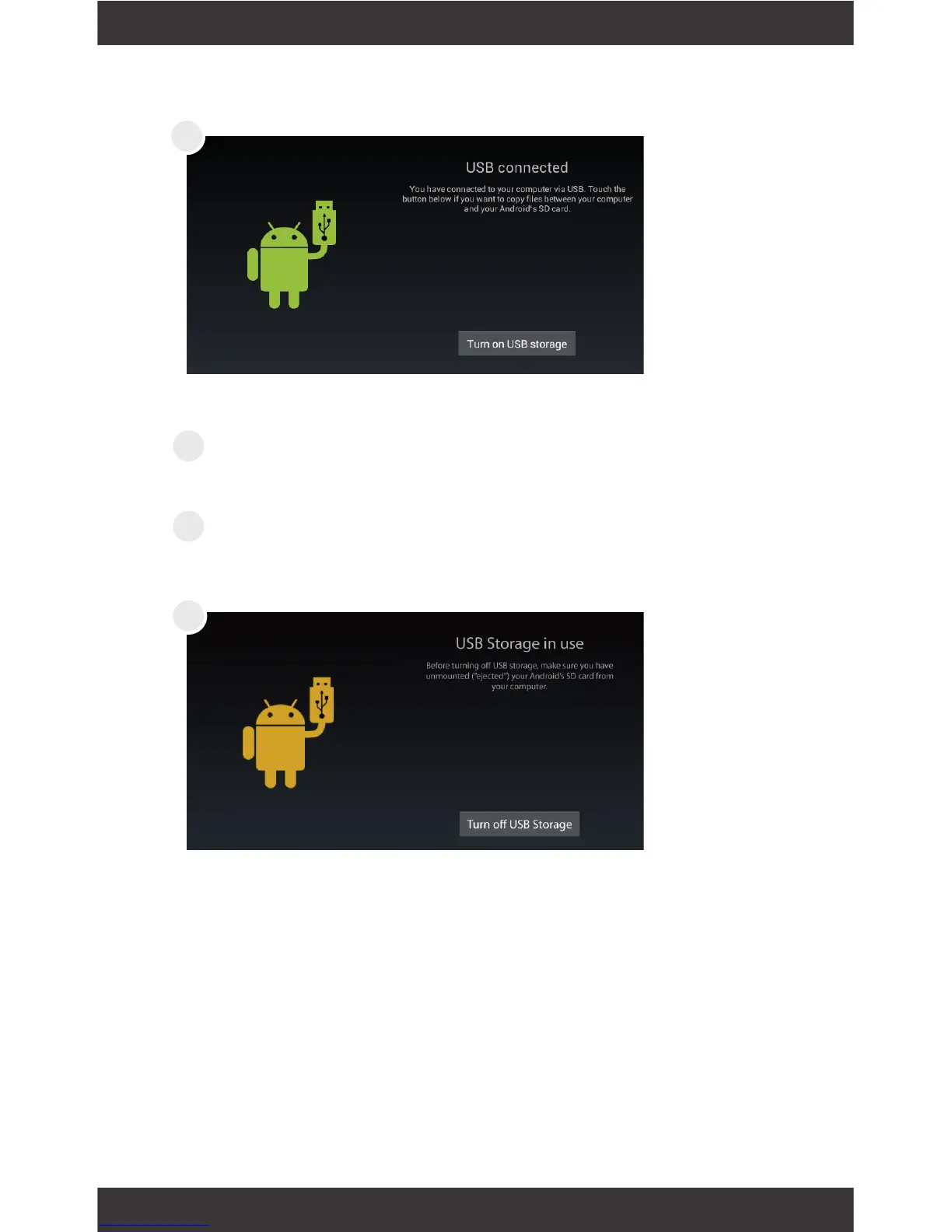
Tap Turn on USB Storage.
Use Finder
®
to go to Devices and choose
EGQ307.
You will now be able to drag and drop les from
your computer onto your tablet just as you would a
USB ash drive.
Before turning off USB storage, make sure you have
unmounted (“ejected”) the tablet and SD card from
your computer. Tap Turn off USB Storage.
3
4
5



 To Next Page