17
Swipe your nger over letters you want to type, and
lift after each word. The keyboard will anticipate and
predict the next word in your sentence.
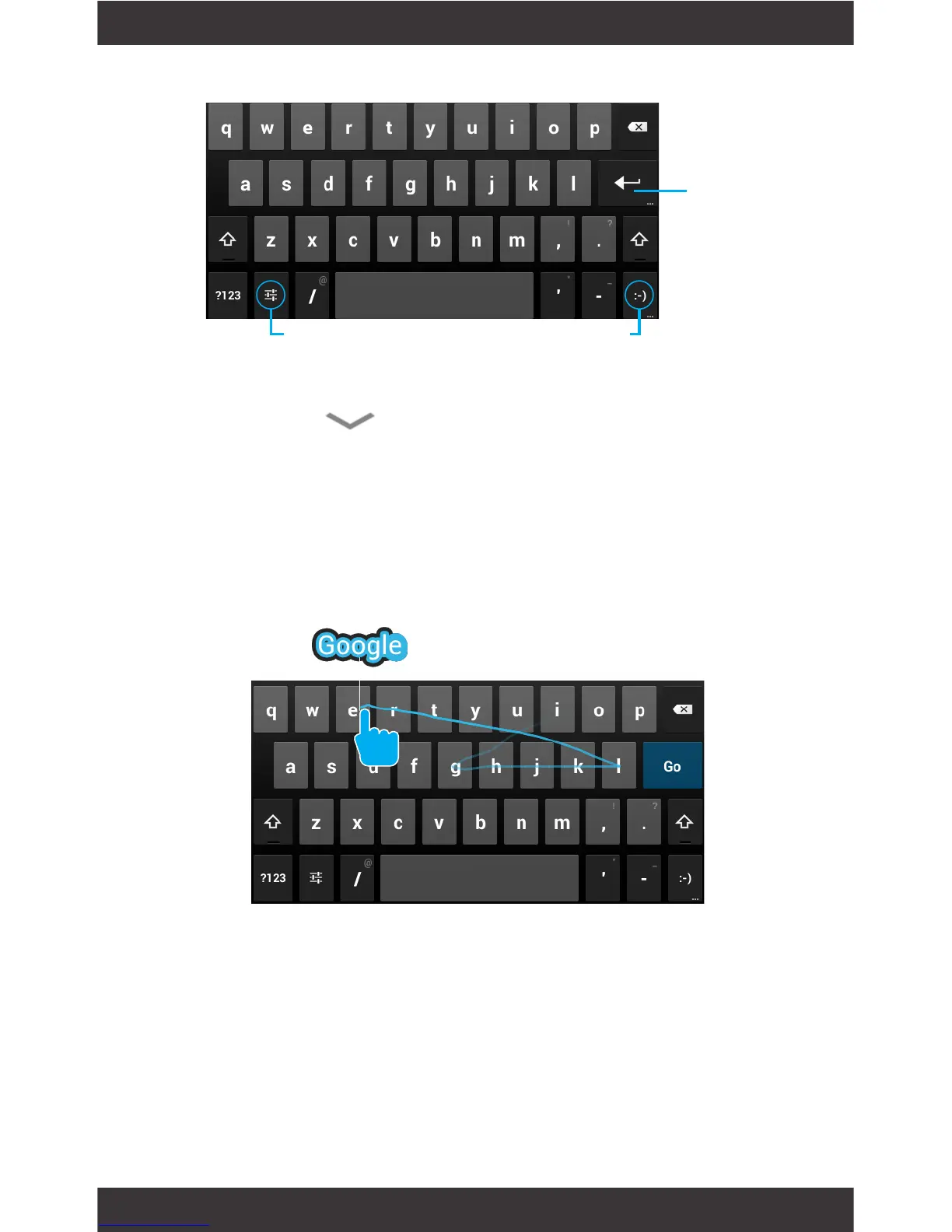
Keyboard C:
To make the keyboard go away, touch the modied
Back button at the bottom of the screen.
Gesture Typing
Enter
Keyboard Settings Insert smileys



 To Next Page