23
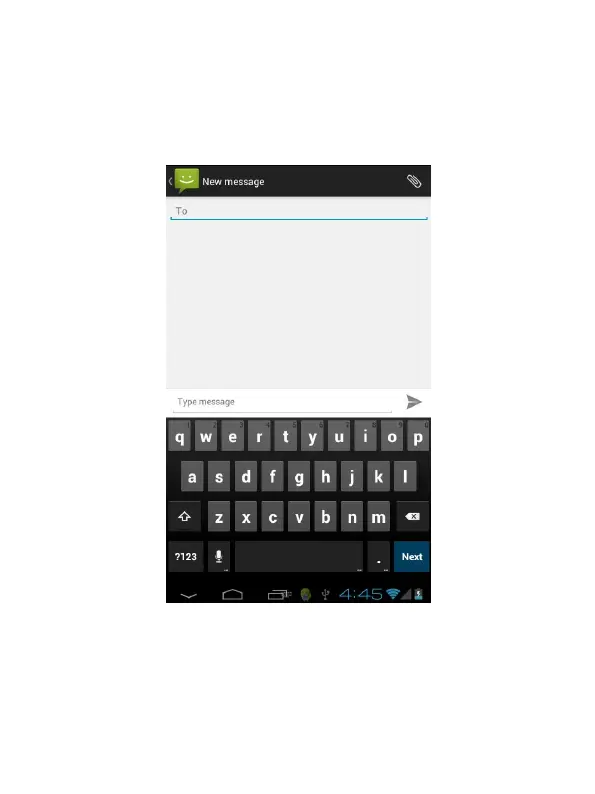
3. Touch to select the to field, type the phone number that will receive the message;
4. Touch to select the Type to compose field and type the message that will send;
5. Touch Send.
MMS
MMS stands for Multi-media Message Service, it could transmit the message contains
Multi-media file, including text, picture, sound etc.


 To Next Page
 Loading...