16
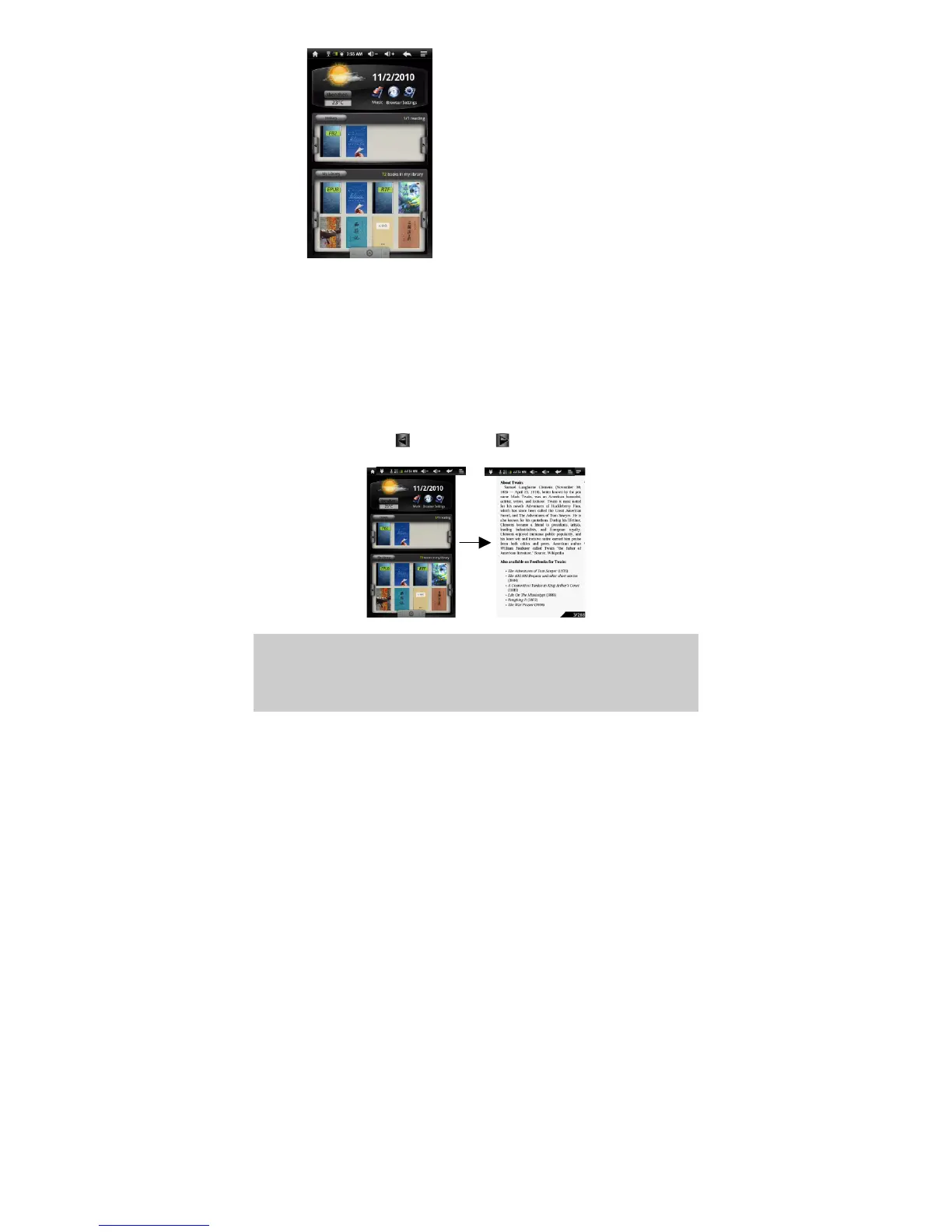
Weather Forecast Setting
You can change the city with weather forecast data.
Tap on the city name to display the city selection screen and then input the city
name directly.
You can change the temperature unit to Celsius or Fahrenheit by tapping on the
temperature.
Start Reading
In the main screen of the eBook Reader, you can tap on a e-book cover to start
reading immediately.
Tapping on the Left Arrow or Right Arrow can scroll through other eBook
covers that you do not see.
Note:
a. Make sure your eBooks are in format supported by the device. Supported formats are
PDF, EPUB, TXT, FB2, RTF, PDB.
b. Book covers for PDF, TXT, FB2, RTF and PDB files are all displayed the same since
these files have no cover data usually.













 To Next Page