30
You should be prompted to “Play from beginning” and “Play from bookmark”.
Select “Play from bookmark”. In default, the video plays from beginning. To
remove the bookmark, tap on “ ” to display the menu, and then choose
“Delete Bookmark”.
Tap on to adjust the brightness of screen.
Tap on / to play the previous or next video.
Tap on to change the aspect ratio of screen.
Tap on to stop playing and return the video list.
Video Playback Settings
Tap on the icon to display the video settings.
Play from beginning(this
will delete bookmark)
Delete bookmark and play from beginning.
Delete the video bookmark.
Output video to HDMI display device (TV).
Get instructions on playing video.
Single – plays the current video and then
stops after playing.
Repeat One – Repeat the current video.
Repeat All – Repeat all videos.
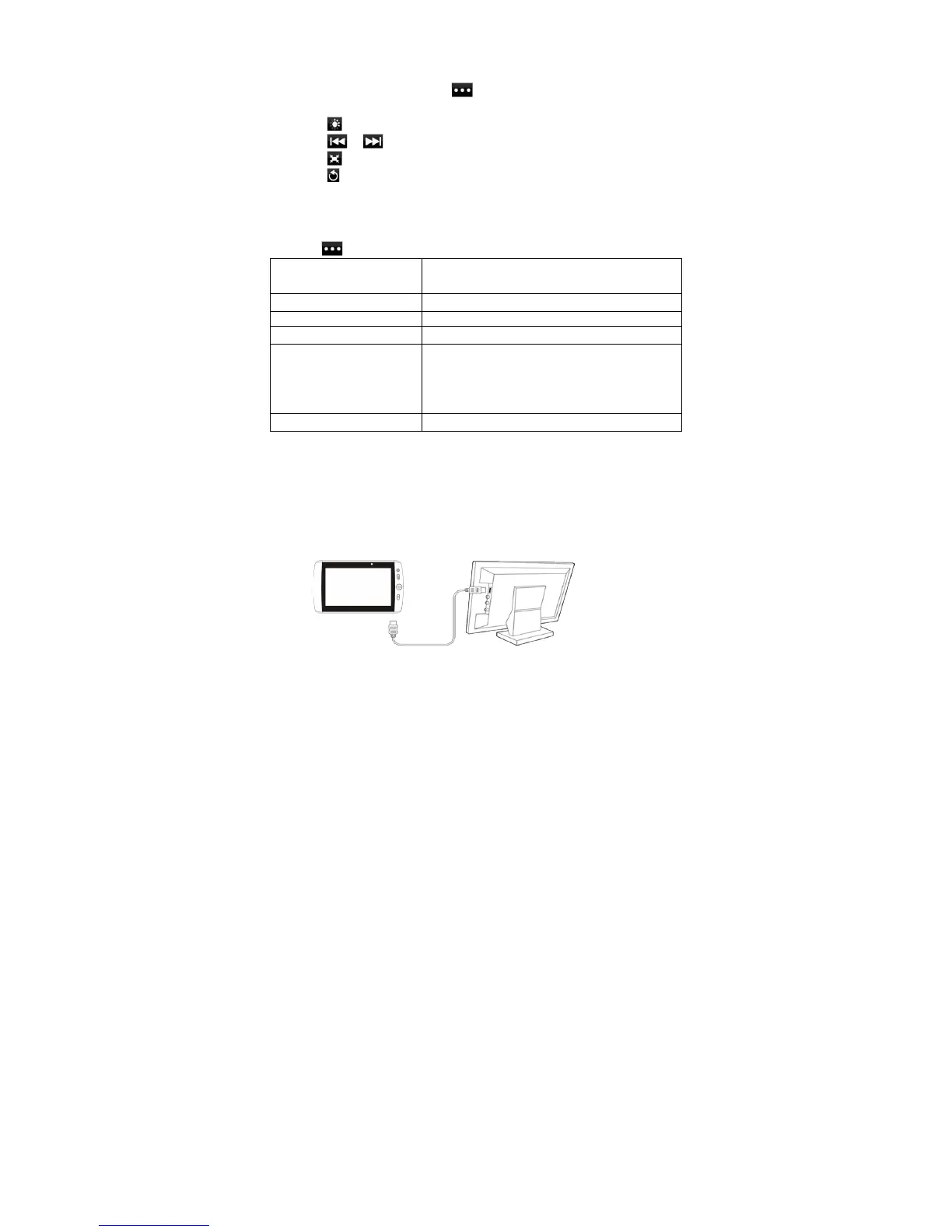
Output video image to TV screen (optional)
The device features an HDMI interface with which you can connect the device to
digital audio devices, computer monitors or digital televisions. HDMI connection can
deliver high-definition audio and video quality.
To use the HDMI function on digital televisions,













 To Next Page