35
(3) Follow the steps of setting up a Email Account to add an account.
Delete an Email Account
(1) When you are in the email box, tap on the Menu icon to display the menu
items.
(2) Tap on “Accounts” to display all email accounts.
(3) Hold your tap on the account that you want to delete until a menu pop up.
(4) Tap on “Remove Account”,and then tap on “OK” to confirm.
Check the Account Setting
(1) When you are in the email box, tap on the Menu icon to display the menu
items.
(2) Tap on “Accounts” to display all email accounts.
(3) Hold your tap on the account that you want to check until a menu pop up.
(4) Tap “Account settings”,and then you should see all setting information about
the account. You can edit these settings as you want.
View Emails
You should enter your mailbox when you start up the email application.
In the mailbox, you can slide your finger up and down to scroll through the
email list.
Tap on an email to open it.
Holding your tap on the email can display a menu. With the menu, you can
open, reply, forward or delete the email.
Email Menu Items
In the email list, tap on the Menu icon to display the menu.
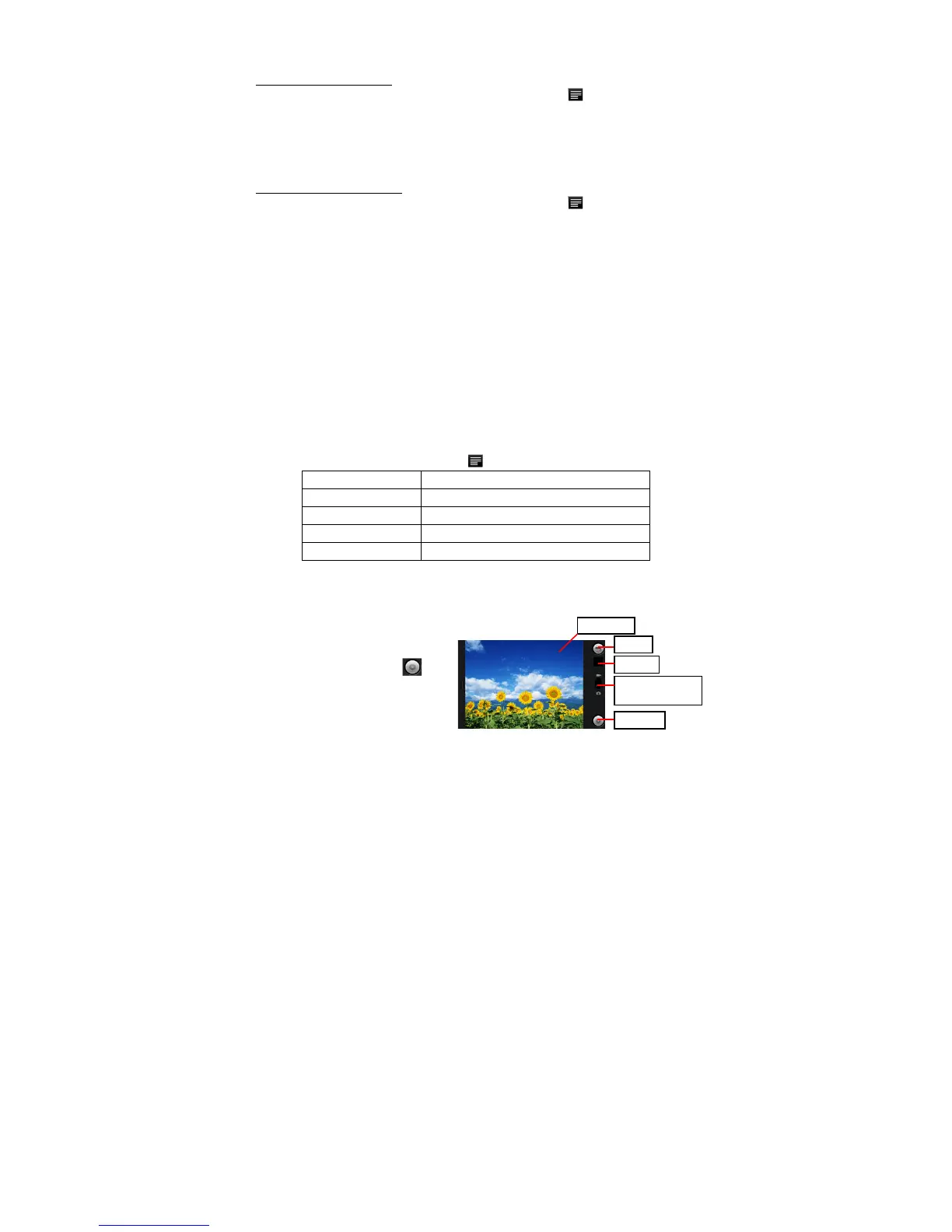
Using the Camcorder/Camera(optional)
The device features built-in video recorder that allows you to make video clips or take
photos. Tap on the Application Tab to display applications, and then select
“Camcorder”/ “Camera” to enter the Video
Recorder/Camera mode.
To start making video clips, tap
on the Start/Stop button to
start video recording.
Tap on the Start/Stop button













 To Next Page