29
4. Programming Upper Flow Percentage:
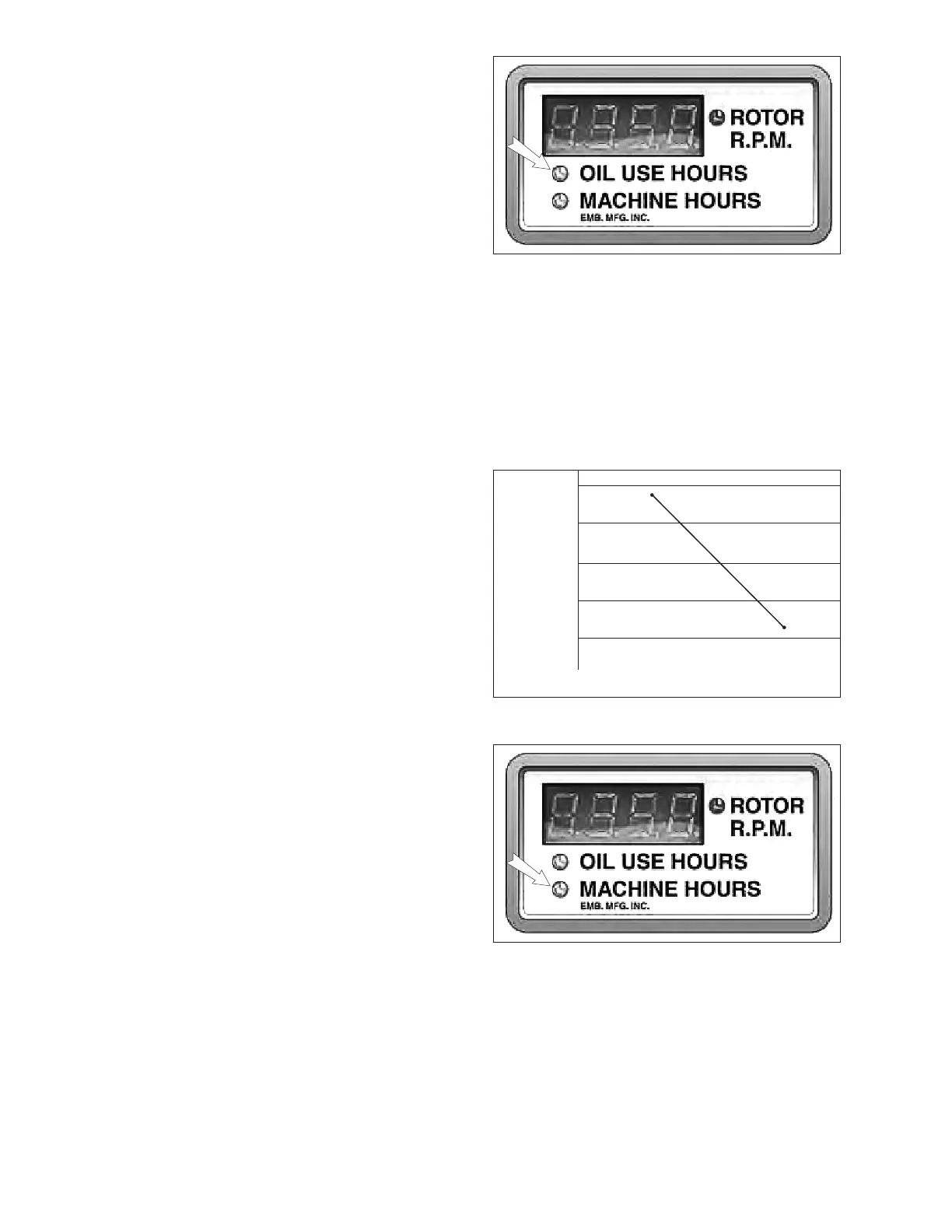
1. Press mode button three times. Digital
readout will display current upper ow
setting. This represents the percent of
hydraulic ow that will be sent to the feed
rolls (Feed speed.).
2. Oil Use indicator will ash. Increase or
decrease setting using program buttons
(Kohler 38 HP gas: 60%. Kohler 25 HP
diesel: 50%).
5. Programming Lower RPM Limit (Floor):
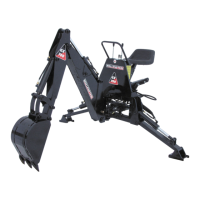
1. Press mode button four times. Digital
readout will display current lower limit set-
ting. This represents the RPM at which
the Auto-feed will suspend the feed rolls
completely.
2. Machine indicator will ash. Increase or
decrease setting using program buttons
(Kohler 38 HP gas: 985 RPM. Kohler 25
HP diesel: 985 RPM).
Fig. 10 READOUT
NOTE
Do not set above 80%.
Table 1 - Auto Feed Logic Curve
Flow 80
%
60
40
20
0
Rotor RPM
Ceiling
Floor
Fig. 11 READOUT


 To Next Page