30
NOTE
Do not set below 25%.
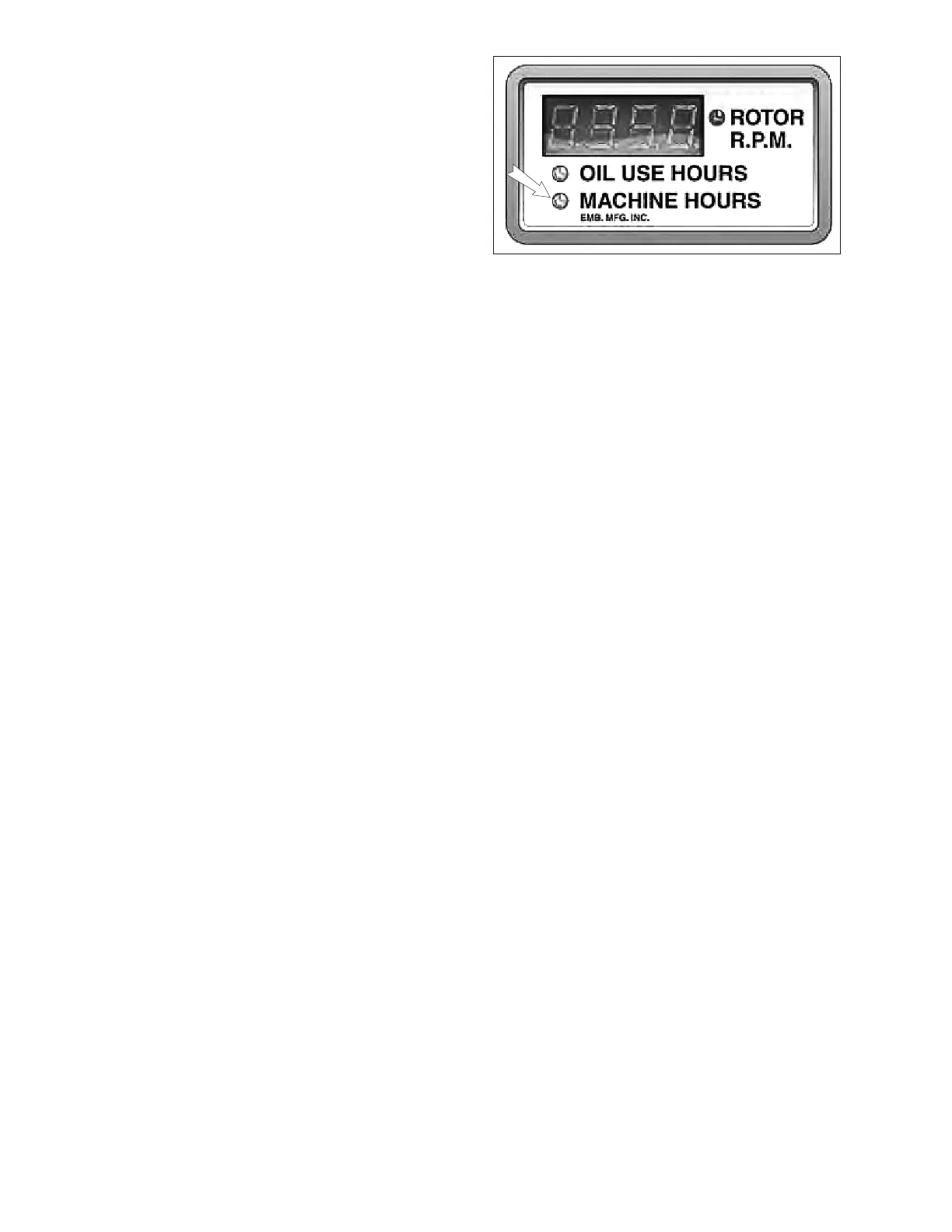
Fig. 12 READOUT
6. Programming Lower Flow Percentage:
1. Press mode button ve times. Digital rea-
dout will display current lower ow setting.
This represents the percent of hydraulic
ow that will be sent to the feed rolls (Feed
speed.).
2. Machine indicator will ash. Increase or
decrease setting using program buttons
(Kohler 38 HP gas: 35%. Kohler 25 HP
diesel: 25%).
7. Operating and Troubleshootings Hints:
a. For heavier brush, decrease the upper ow
percentage for slower feed speed.
b. For lighter brush, increase the uppler ow
percentage for faster feed speed.
c. If the unit is stalling before the feed rolls
stop, increase the rotor oor setting.
d. If you prefer more aggressive feeding with
faster feed and more stops, increase the
lower ow percentae.
e. If the rotor RPM is not reading accurately,
check the spacing between the proximity
pick-up and the rotor speed bolt. You will
nd the pick-up mounted on the pump
ange bracket under the rotor shaft. Ideal
spacing is 3/32" (2.5 mm).


 To Next Page