Turning ON your AV equipment
• To operate your Audio Visual (AV) components, press the volume
button on any existing remote control or press the button on the
Classic Sensor. This will apply power to all components making them
ready for use. Now use your existing remote(s) to operate your
television or other Audio Visual (AV) components in the normal way.
NOTE: To reactivate your TV components, you may be required
to press the power button again on the relevant remote control
after power has been restored. You may hear a ‘click’, or notice
that the TV standby light has switched on.
Turning OFF your AV equipment
• Simply turn your equipment off in the normal way. The Embertec
Emberstrip® 8AV+
will then remove power from the Power Saving
outlets after a delay of approximately 1 minute.
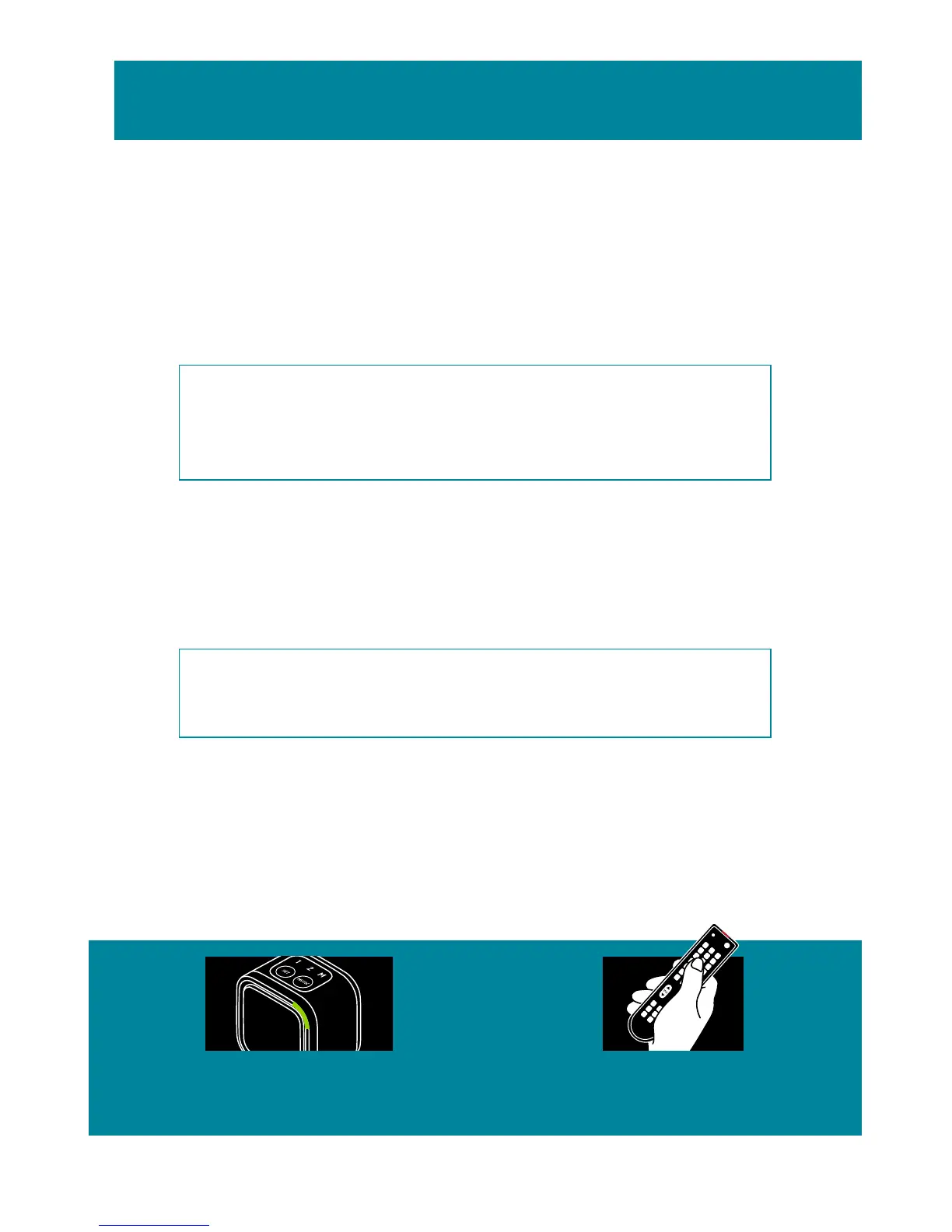
NOTE: The LED light on the Classic Sensor will flash for about
60 seconds to warn you that power is about to be removed
from the AV Power Saving outlets.
Active Powerdown®
• If your Embertec Emberstrip® 8AV+ has not detected use of a
remote control for 1, 2 or 8 hours (depending on your settings),
Active Powerdown® will shut down power. The LED light on the
Classic Sensor will flash for approximately 10 minutes to warn you.
Quick operation guide
TO CONTINUE
USING YOUR
EQUIPMENT
A flashing light means
the system is getting
ready to shut down.
Press the volume
button on your
remote control.
3



 To Next Page