11. Return the faulted I/O module.
The I/O modules in your DPE may differ from those shown in the illustrations in this
document.
Preparing the storage processor (SP) for service
To protect your VNXe system from accidental data loss during this maintenance activity,
you must prepare the SP for service. You prepare an SP for service by putting it in Service
mode.
Both SPs must NOT be in Service mode at the same time.
Procedure
1. Open Unisphere
™
and select Settings, then Service System.
2. Log in with your service password.
3. In the System Components column, select the storage processor with the part you are
replacing (SP A or SP B).
4. Under Service Actions, select Enter Service Mode, then Execute service action.
5. In the Service Confirmation dialog box click OK.
Putting an SP into Service mode takes about 10 minutes to complete.
6. Wait until the SP fault LED is flashing alternating amber and blue before continuing to
the next task.
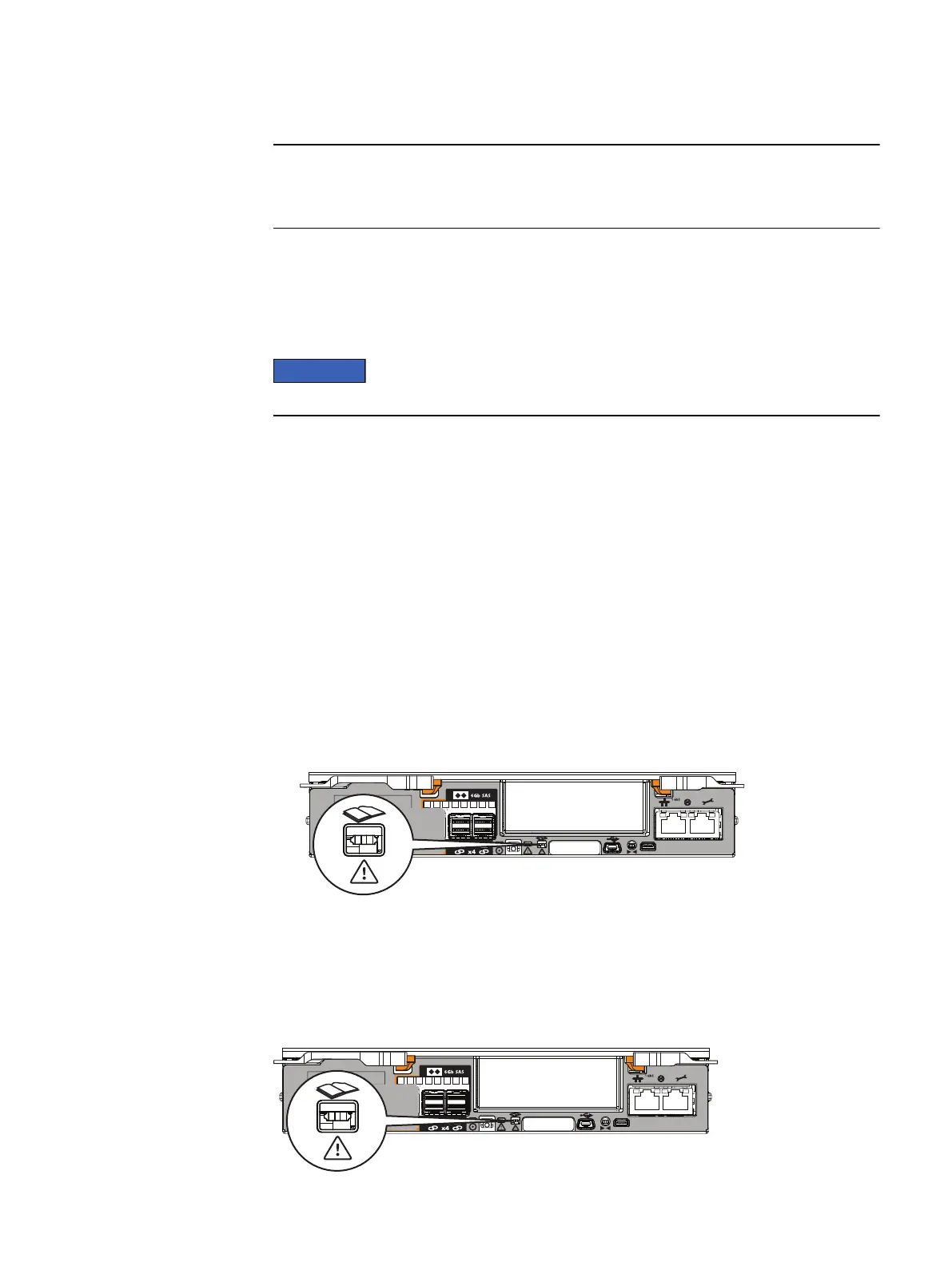
The storage processor fault LED will flash alternating amber and blue while the SP
remains in Service mode and is receiving active power (Figure 1 on page 6).
Figure 1 SP fault LED
Removing an SP assembly
Before you begin
Locate the faulted SP assembly with the flashing alternating amber and blue Fault LED.
Figure 2
Location of SP assembly fault LED
6 EMC VNXe


 To Next Page