10
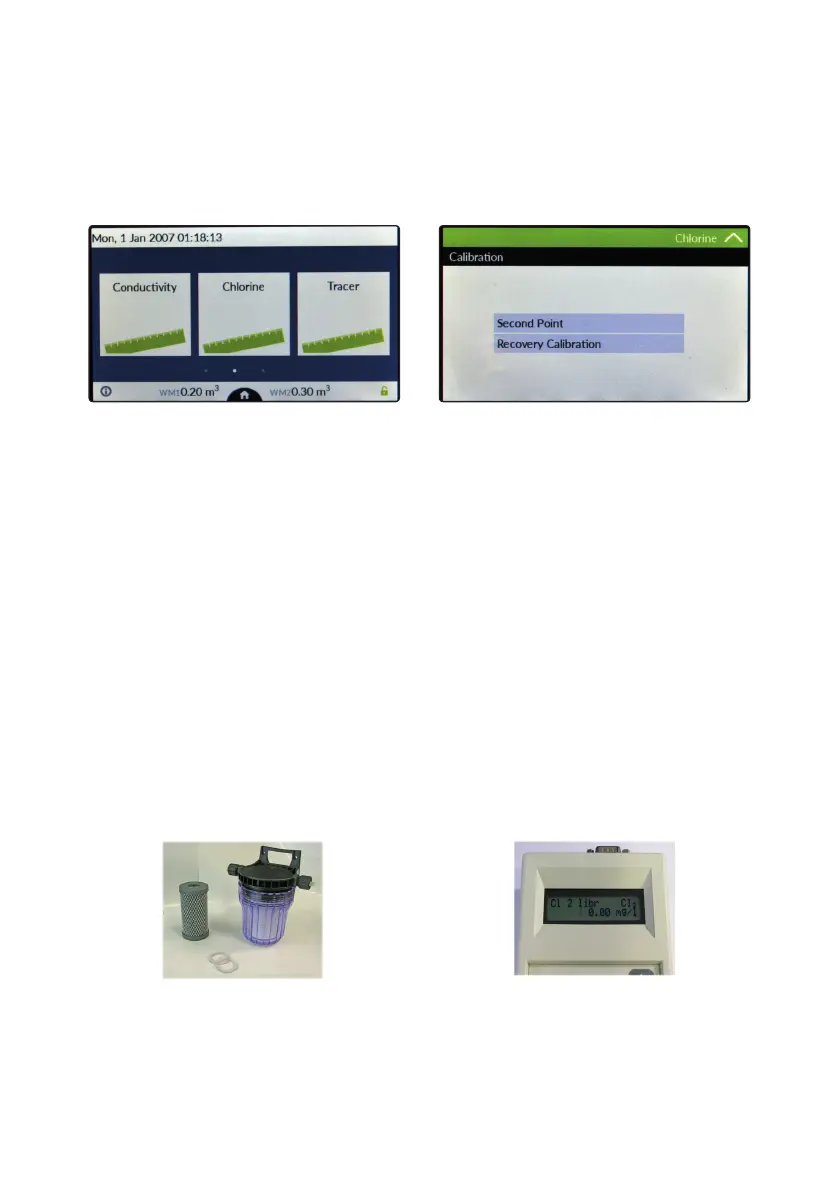
Chlorine calibration menu.
Chlorine calibration procedure is based on installed chlorine probe and may involve one or two calibration points depen-
ding on probes’ model (see table at next page). From main menu choose “Chlorine” then tap on Calibration”. Installed
probe will be automatically detected and according to model a one or two points calibration will be enabled.
Note: This procedure assumes that CONTROLLER is correctly installed and congured, connected to a working
probe. Calibrate using plant’s temperature otherwise unattended results might occur. If something wrong occurs
use RECOVERY CALIBRATION to restore to previous calibration.
Two points calibration method.
During this procedure probe must be dry and clean and not installed in plant. Use chlorine free water (or a carbon lter
system) and dip probe’s head into it, wait until reading is stable, then ap on “First Point” (zero) to conrm it.
For Second point calibration use a plant’s sample water and analyze it using a DPD system to obtain value. Enter this
value as second point calibration and conrm it.
One point calibration method (second point).
For Second point calibration use a plant’s sample water and analyze it using a DPD system (photometer) to obtain
value. Enter this value as second point calibration and conrm it.
Carbon Filter System
Photometer



 To Next Page