41
Appendix - WIFI Connection
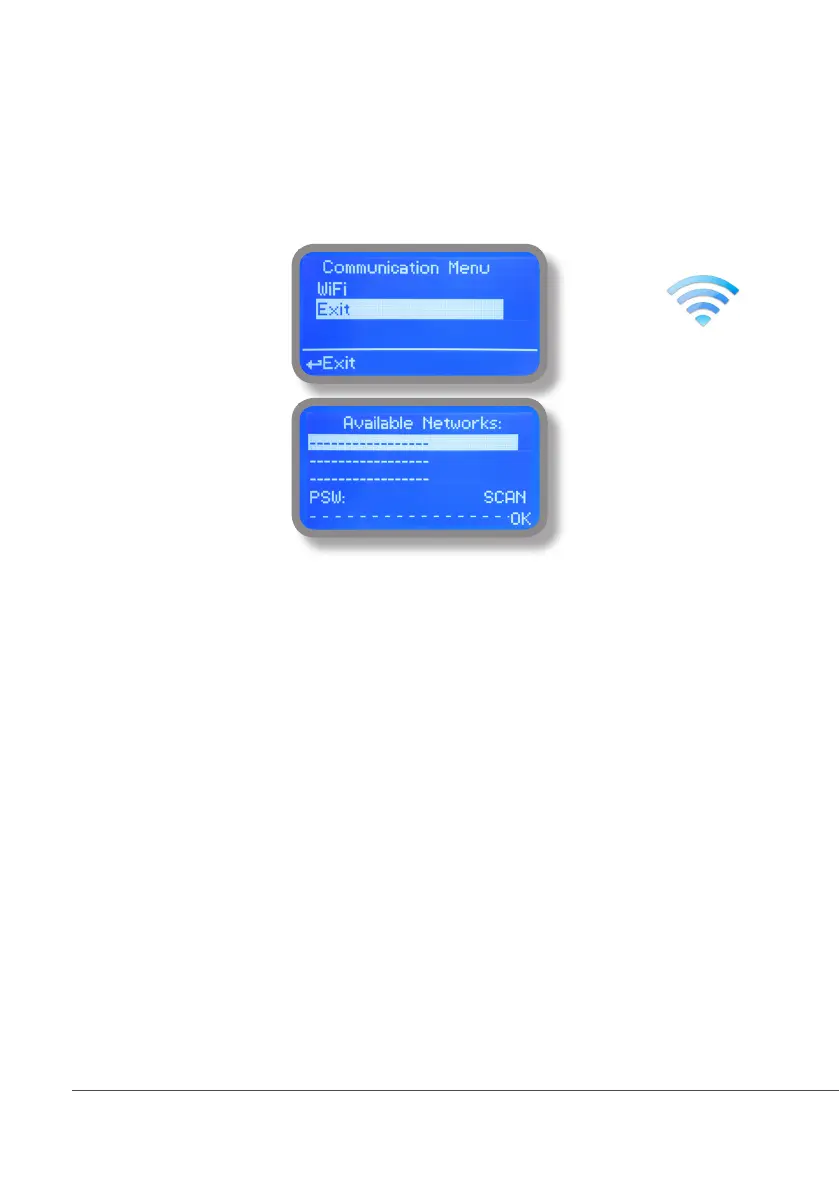
Within Communication Menu choose “WIFI” to bring wireless sub-menu. Wait until desired wireless network appears,
move wheel on it then click. Otherwise click on “SCAN” to restart the search. Enter WEP / WPA / WPA2 password
(if required) and wait until connection has been estabilished and WiFi signal strength appears. To obtain a reliable
connection be sure to install the controller within WiFi range. See your router features and installation procedure
for best results.
WiFi signal strength



 To Next Page