English
Product description
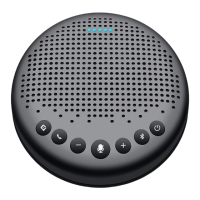
eMeet OceCore M2 Lite products is small portable omnidirectional speakerphone with
high-quality connection for far-field, 360-degree sound pick-up. Connection of eMeet
OceCore M2 Lite products to PC, phone or tablet PC via Bluetooth, USB or AUX (analog
audio) is available.
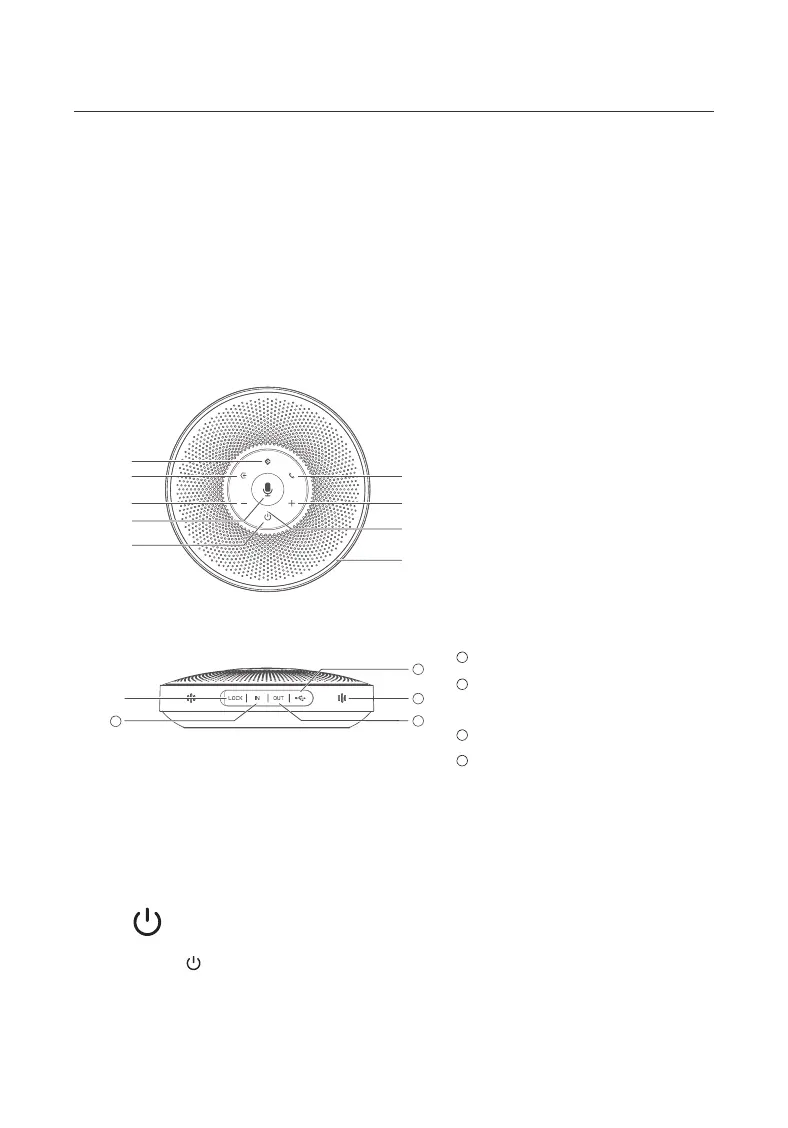
Function display
①
③
⑤
⑦
②
④
⑧
⑨
⑥
⑩
11
12
13
14
①
②
③
④
⑤
⑥
⑦
⑧
⑨
⑩
11
12
13
14
AI noise reduction on/o button
Bluetooth button
Answer/end Call
Volume up
Volume down
Mic Mute/Unmute
On/o
Status light
Ring-shaped light
Lock
AUX audio input port
Earphone audio output port/
Daisy chain port
USB port
Microphone
How to use
1. On/o
Press On/O “ ” for 2 seconds to turn on or o.
2. Four operating modes
1


 To Next Page