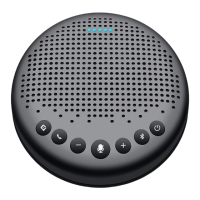
5. AInoisereductionon/obutton
Short press the “ ” button to turn on/o VoiceIA noise reduction mode. With VoiceIA
noise reduction can shield some common noises that may occur in conference scenes,
such as keyboard taps, air conditioning noises, and the sound of moving chairs and
tables. Please be attention that the voice pick-up range might be shortened when the
noise reduction mode is on. Therefore, to maintain a good voice pick-up eect, please
make your call within 1.5 meter away from the device.
Also, the DOA position indicating light will be diplayed in green while the noise reduction
mode is on,and will change to in blue when the noise reduction mode is o.
6. Control volume
Press the volume “ + ”, volume “ - ” to increase or decrease the volume.
7. Mic Mute/Unmute
When the mic is open, pressing “ ” will mute the mic.
When the mic is muted, pressing “ ” will unmute the mic.
8. Check Battery level
Short press “ ” to check Battery level.
When the device reaches 5% battery level, the ring-shaped indicator will glow red, and a
low battery prompt will be generated.
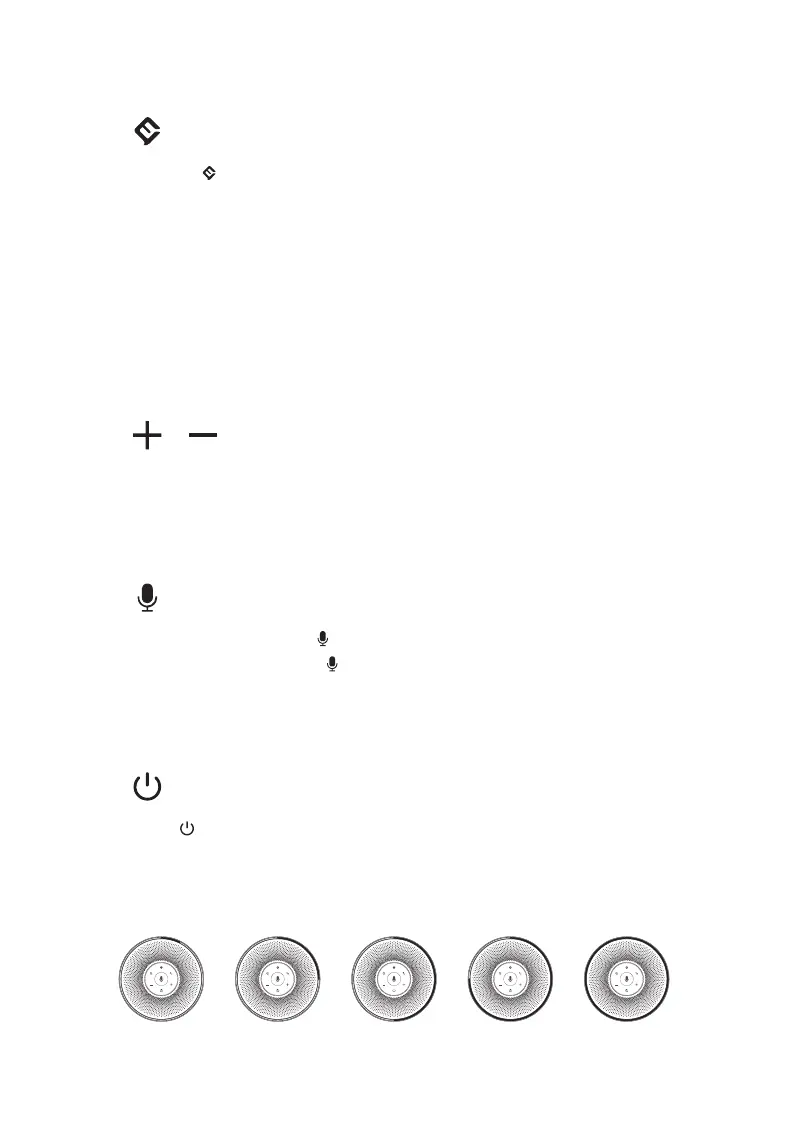
25%5% 50% 75% 100%
4


 To Next Page