13
OPERATING INSTRUCTIONS
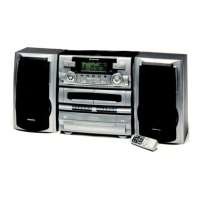
Turning The System ‘On’
Connect the unit into the 120V 60Hz AC outlet.
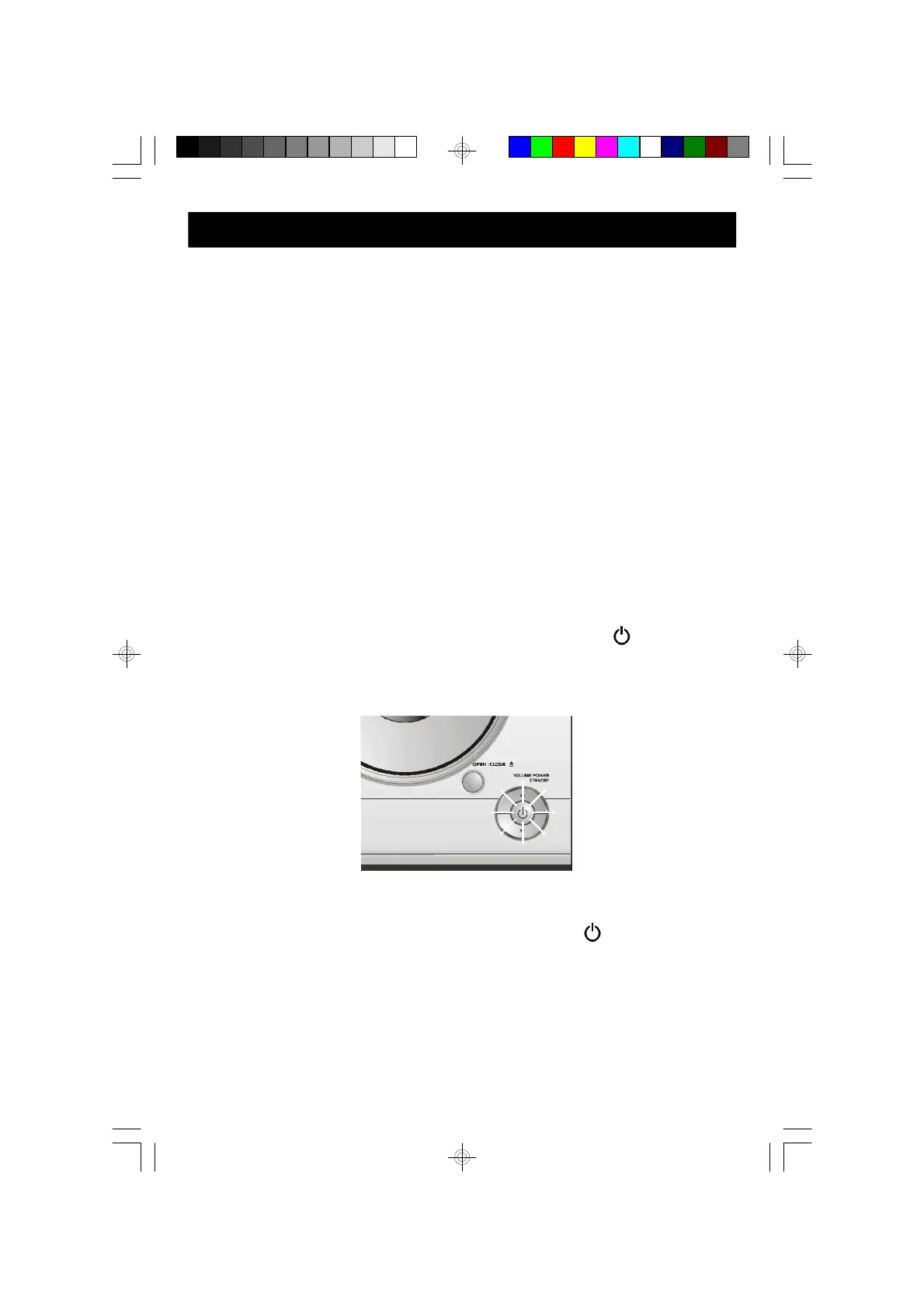
At the front of the unit, the light within the POWER/STANDBY button will light
‘Red’ to indicate that the unit is in standby (Standby means plugged-in but not
switched on).
Switch the unit ‘On’ by pressing the POWER/STANDBY button on the front
panel or the remote control. The “Red” light goes ‘Off’.
The unit is now ready to use.
• Make sure that the speakers are properly connected.
• Make sure that the FM Wire Antenna is fully extended.
• Make sure that you have installed batteries in the remote
control.
• Make sure that the AC power cord is connected to an outlet
that is always “live”. Do not connect to an outlet that is
controlled by a wall switch.
ES30_072905.p65 29/7/2005, 16:4113


 To Next Page