17
EN
CHANNEL SETTINGS
LANGUAGE SELECTION
You can choose English, Spanish, or French as
your on screen language.
1
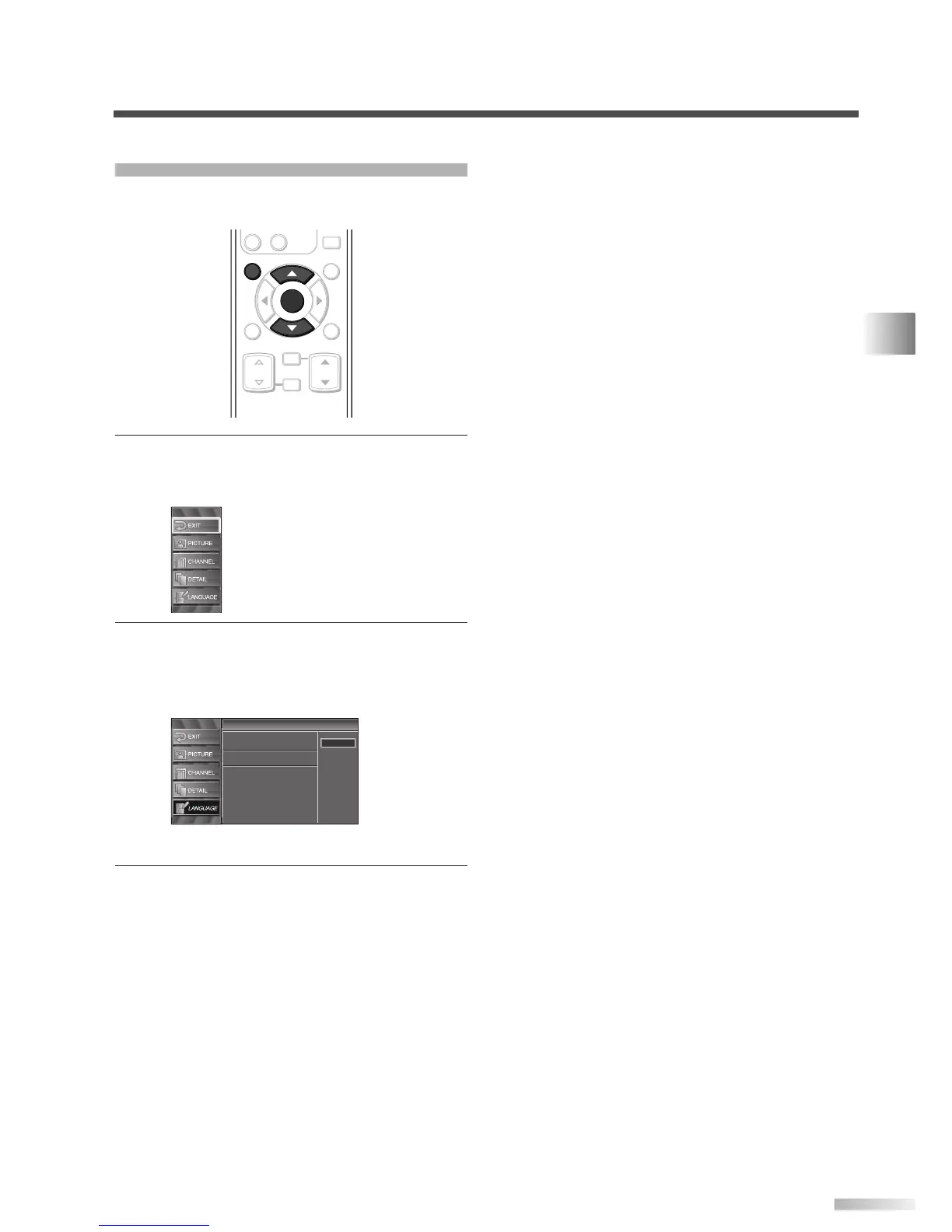
Display the setup screen.
• Press
[SETUP].
The following setup screen appears.
2 Select “LANGUAGE” and press [ENTER] to con-
firm.
• Using [
K
/
L
], select “English”, “Español” or
“Français”.
• Press
[ENTER].
3 To exit the setup, press [SETUP].
Language
Language
Select the language for setup display.
Elija idioma de preparación.
Sélectionner langue écran config.
Español
Français
English







 To Next Page