17
ES
AJUSTE DE LOS CANALES
SELECCIÓN DE IDIOMA
Puede elegir su idioma de pantalla entre los sigu-
ientes: Inglés, Español o Francés.
1
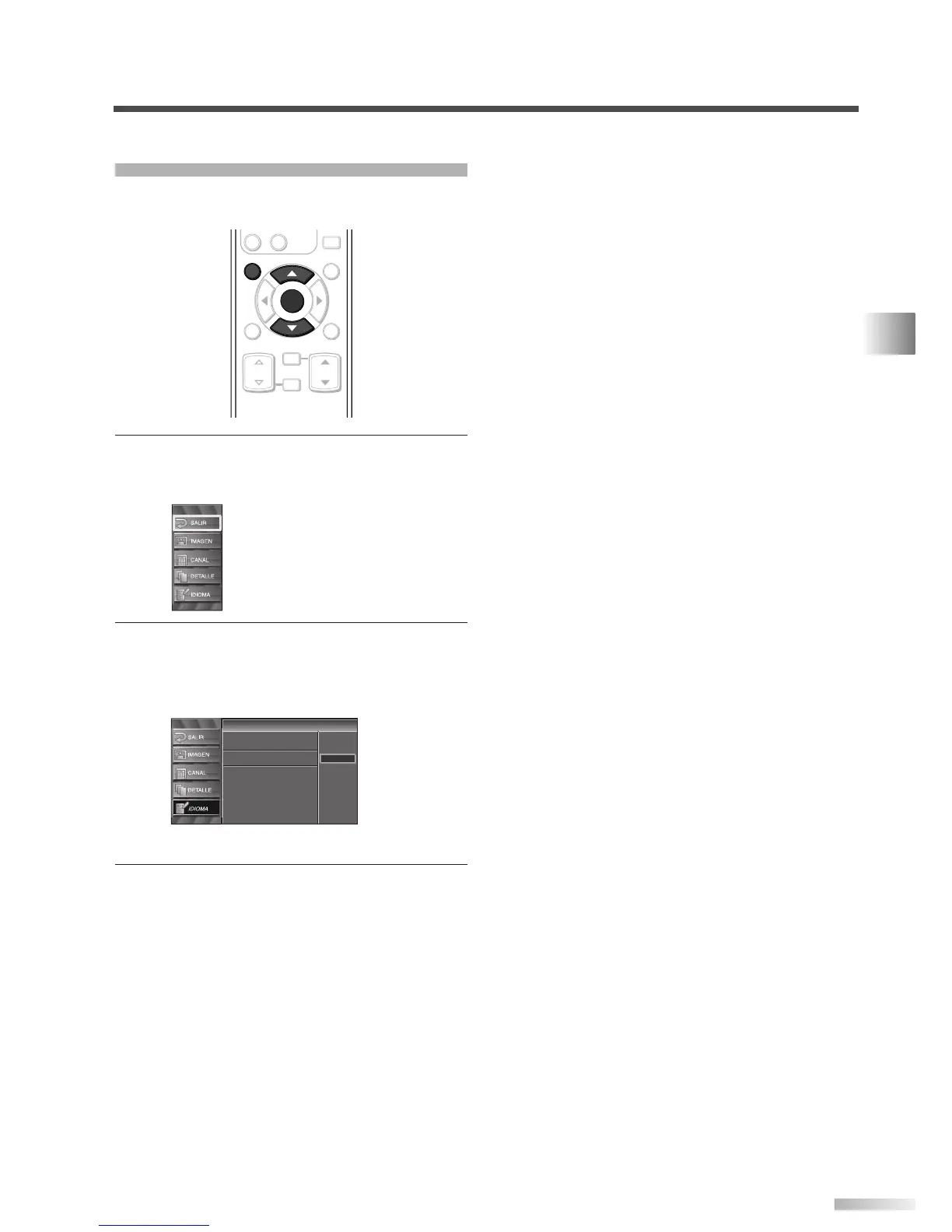
Visualización de la pantalla de instalación.
• Presione
[SETUP].
Se mostrará la siguiente pantalla de instalación.
2 Seleccione "IDIOMA" y presione [ENTER] para
confirmar su selección.
• Con [
K
/
L
], seleccione "English", "Español" o
"Français".
• Presione
[ENTER].
3 Para salir del instalación, presione [SETUP].
Idioma
Idioma
Select the language for setup display.
Elija idioma de preparación.
Sélectionner langue écran config.
English
Español
Français








 To Next Page