32
NOTES:
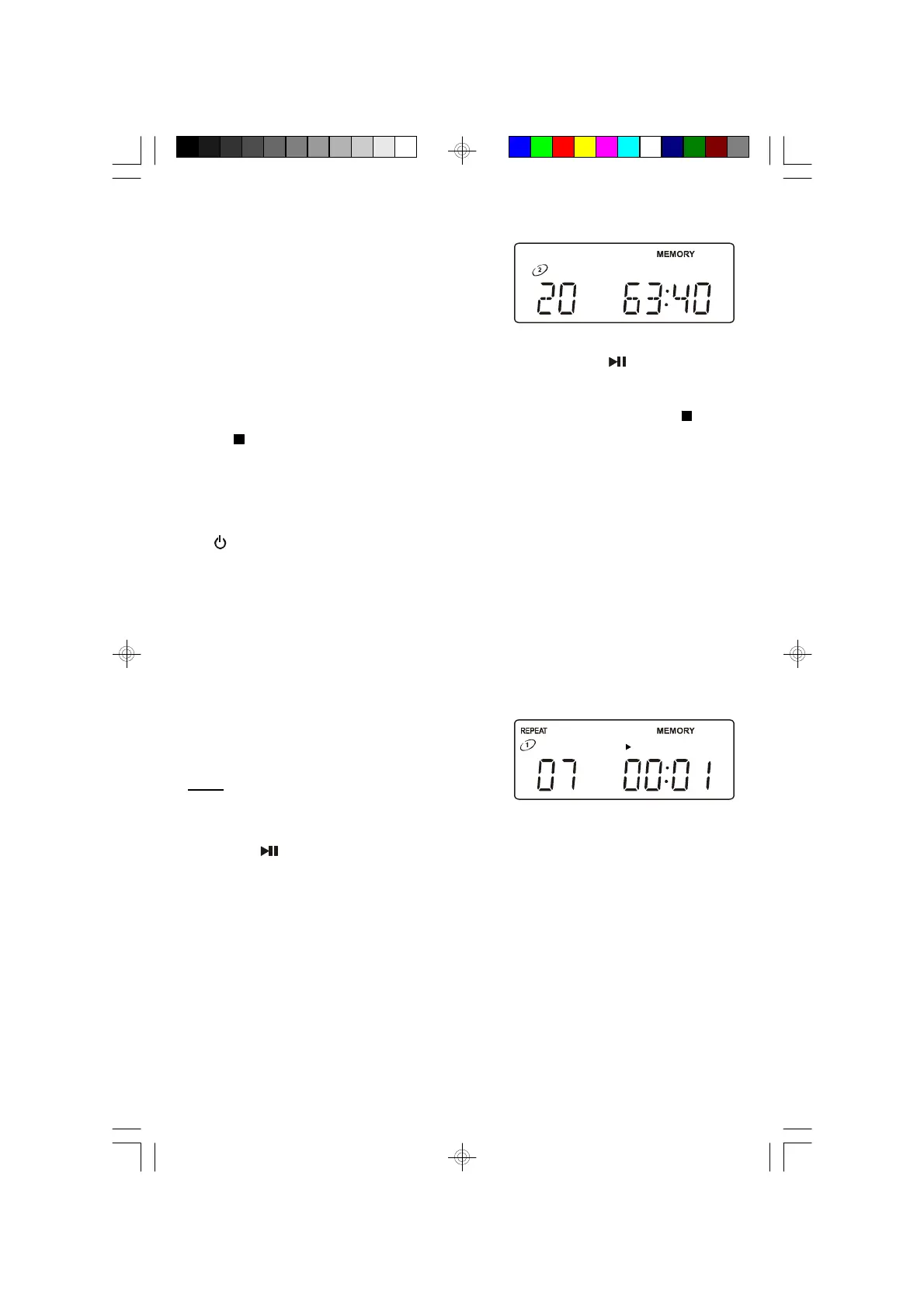
• After the last programmed track has
played the player stops, but the
MEMORY indicator remains on and the
programmed sequence remains in the
memory.
To play the programmed sequence again, press the PLAY/PAUSE
button.
• To cancel the programmed sequence from the memory press the STOP
or /BAND button while the player is stopped. The MEMORYY indicator
disappears.
• The Program sequence can also be cleared from the memory by opening
the CD door, switching to Tuner or Aux function, or pressing the
STANDBY button to return the system to the Standby (Off) mode.
Programmed Repeat Playback
You can use the Programmed and Repeat Playback functions together to
continuously repeat a programmed sequence.
First program up to 20 tracks as described
above, then press the PLAY MODE button
twice to select One Disc Repeat playback.
Press the PLAY/PAUSE button to begin Programmed Repeat Playback. The
programmed sequence will be repeated continuously.
MS3111M_112306.p65 23/11/2006, 10:4432


 To Next Page