EasyManua.ls Logo

Emerson Rosemount 400 - User Manual

Emerson Rosemount 400
22 pages
Print Icon
To Next Page IconTo Next Page
Loading...
Rosemount
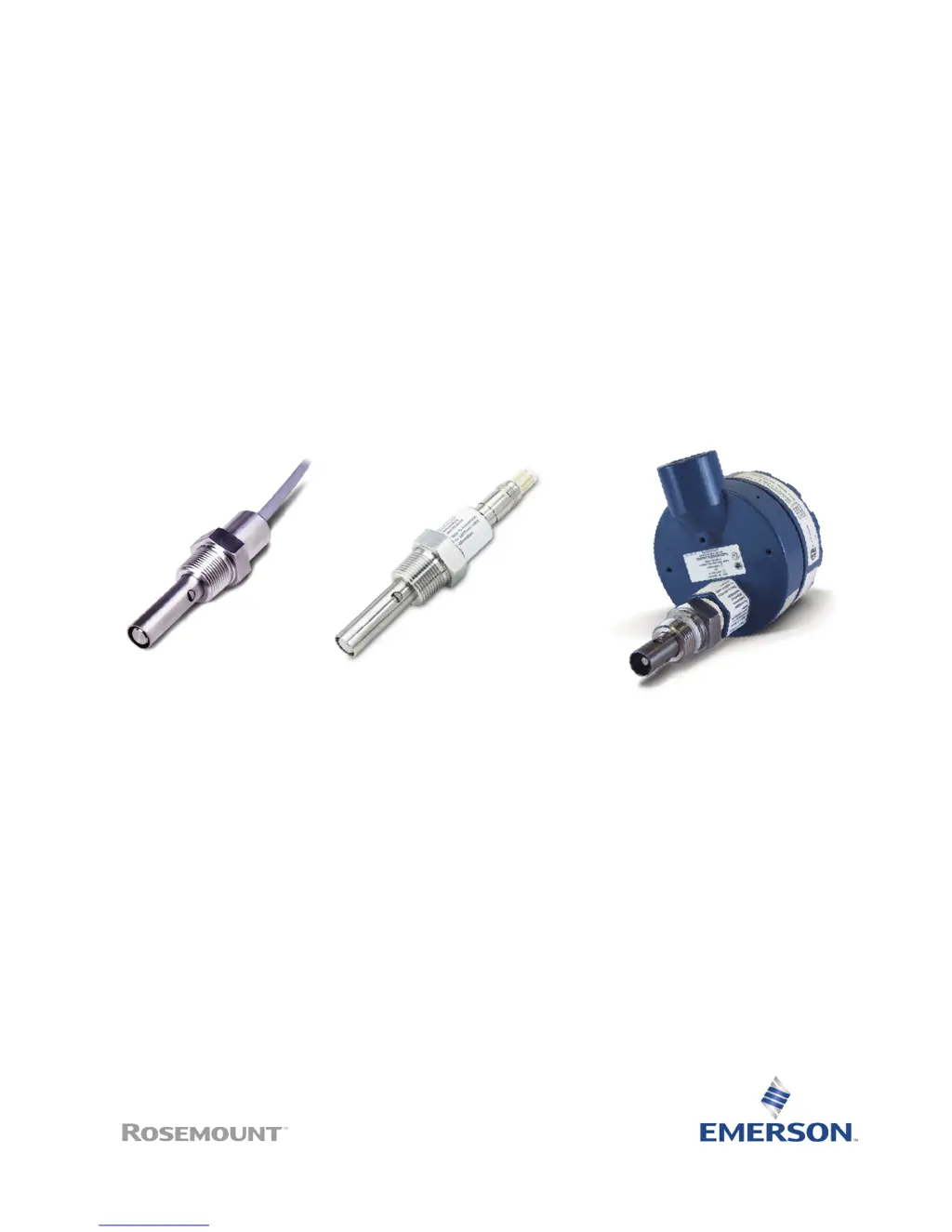
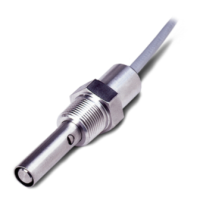
400 and 400VP
Contacting Conductivity Sensors
Instruction Manual
L
IQ-MAN-400
Rev. L
May 2017

Questions and Answers

  • A
    Anna ChaseAug 3, 2025
    What to do if Emerson Rosemount 400 Accessories reading seems wrong?
    • G
      Gloria CollinsAug 3, 2025
      If the Emerson Accessories reading seems wrong, it may be due to several reasons. Bubbles might be trapped in the sensor, so ensure the sensor is properly oriented in the pipe or flow cell and apply back pressure to the flow cell. Alternatively, the temperature correction algorithm might be incorrect, so verify it's appropriate for the sample. Also, the cell constant could be wrong; confirm that the correct cell constant has been entered in the transmitter and that it is appropriate for the conductivity of the sample.
  • W
    wrightvalerieAug 10, 2025
    Why does my Emerson Rosemount 400 Accessories show an off-scale reading?
    • A
      amber12Aug 10, 2025
      An off-scale reading on your Emerson Accessories can stem from several causes. First, verify the wiring is correct. Second, check the temperature element for open or short circuits. Next, ensure the sensor is completely submerged in the process stream. Also, check that the Variopol cable is properly seated by loosening the connector and reseating it. Finally, the sensor itself may have failed, so perform isolation checks.
  • M
    Mark JonesAug 18, 2025
    How to fix a noisy reading on Emerson Accessories?
    • M
      Mrs. Kathryn MaloneAug 18, 2025
      A noisy reading on your Emerson Accessories could be due to the sensor being improperly installed in the process stream. Make sure the sensor is completely submerged. Another potential cause is the Variopol cable not being properly seated; try loosening the connector and reseating it to resolve the issue.
  • P
    Patrick PorterAug 25, 2025
    How to troubleshoot sluggish response in Emerson Rosemount 400?
    • L
      lawrencenathanAug 25, 2025
      A sluggish response in Emerson Accessories can be caused by a couple of things. First, the electrodes may be fouled, so try cleaning them. Second, the sensor might be installed in a dead area in the piping; if so, move the sensor to a location more representative of the process liquid.

Summary

Essential Instructions

About This Document

Section 1: Specifications

1.1 Specifications

Details wetted materials, temperature, pressure, cell constants, and process connections for sensors.

1.2 Ordering Information

Provides model codes and configuration options for Rosemount 400 and 400VP sensors.

Section 2: Installing the sensor

2.1 Wiring the sensor

Lists wire colors and their corresponding functions for the conductivity sensor.

2.2 Wiring the sensor to the transmitter

Illustrates sensor wiring connections for specific Rosemount transmitter models.

Section 3: Calibration and Maintenance

3.1 Calibrating the sensor

Explains factory calibration and steps for recalibrating using standard solutions.

3.2 Cleaning the sensor

Provides instructions for cleaning the sensor using detergent and alcohol.

Section 4: Troubleshooting

4.1 Troubleshooting

Presents common problems, probable causes, and solutions for sensor operational issues.

Section 5: Accessories

5.1 Accessories

Lists part numbers and descriptions for compatible accessories and calibration standards.

Emerson Rosemount 400 Specifications

General IconGeneral
BrandEmerson
ModelRosemount 400
CategoryAccessories
LanguageEnglish

Related product manuals