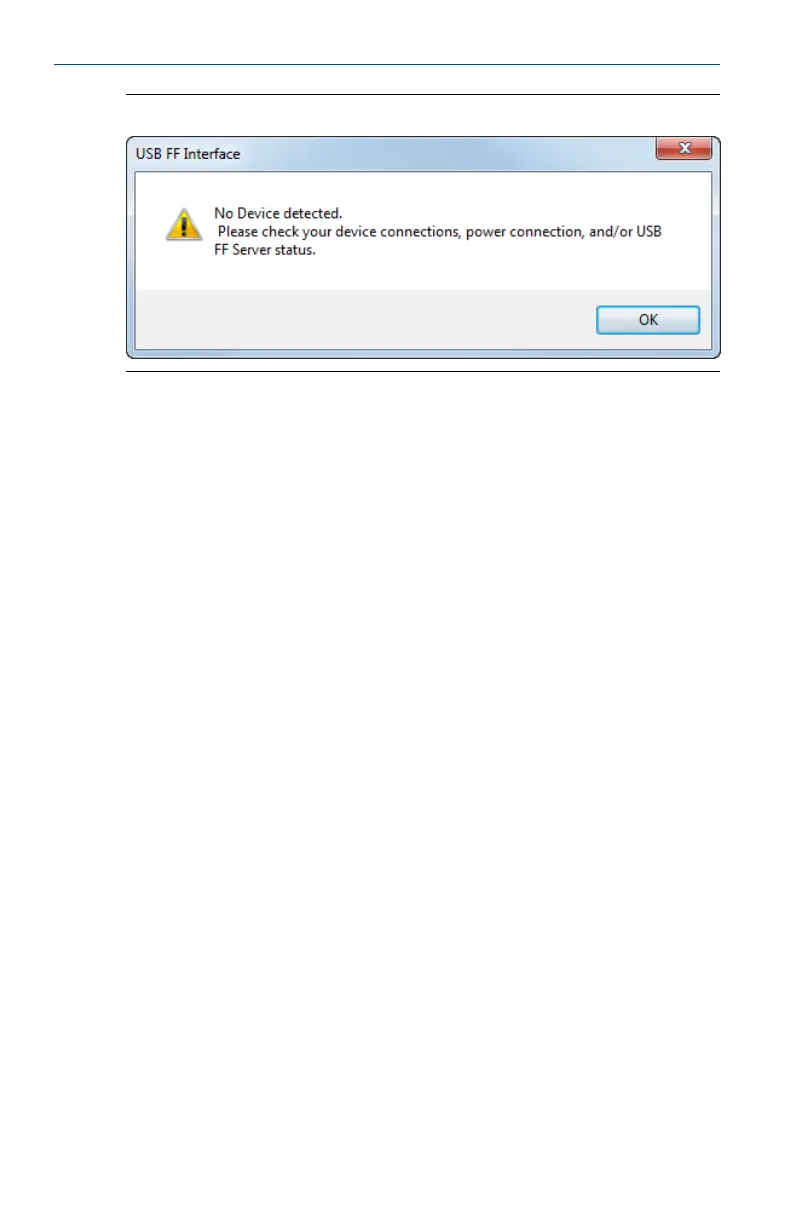
No device detected dialogFigure 7-3:
Click OK and check for the following:
• Make sure the fieldbus device or segment is powered either by an external
source or by the USB Fieldbus Interface. For more information, see
Section 2.3.
• Make sure drivers are installed and that the hardware is ready for use.
If automatic driver installation fails, install drivers manually. For more
information, see Appendix D.
• Check that there are no loose connections and that the USB cable does not
exceed 2 meters in length.
• Make sure the USB FF HSE Server is running.
May 2014 User's Manual
45


 To Next Page