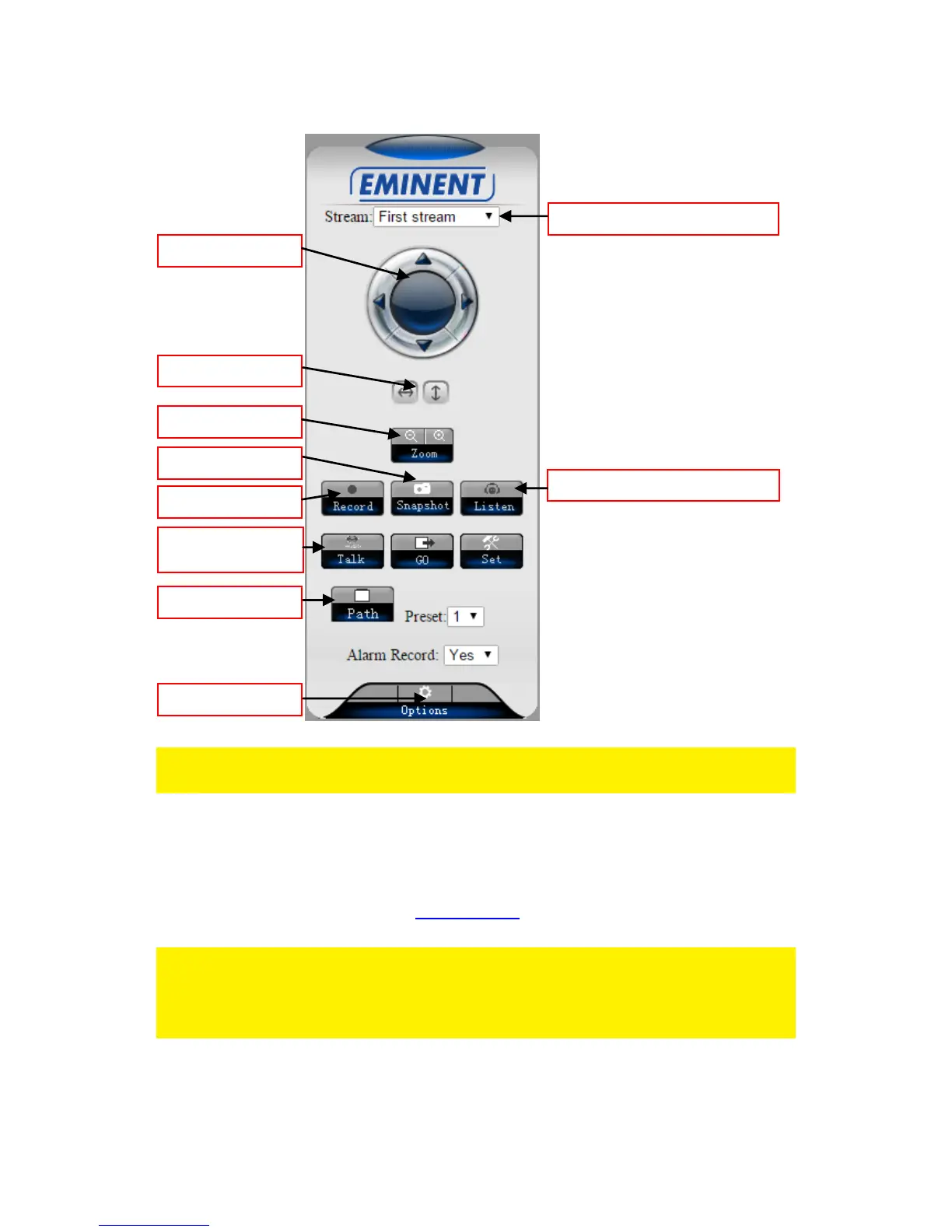
6.2 The layout of e-CamView
The menu options are the same as the settings menu of the PC software with the
exception of FTP service settings and Maintenance.
6.3 FTP setting
Here you can enter the settings of your FTP server.
Example of a FTP server address: ftp.server.com
Note: If you wish to store the snapshots in a predefined folder on your FTP server,
please use this option since the APP does not support this extra feature. Enter the
folder name in the “Path” field and press “OK” then press “Test” to test if the folder is
created successfully.



 To Next Page