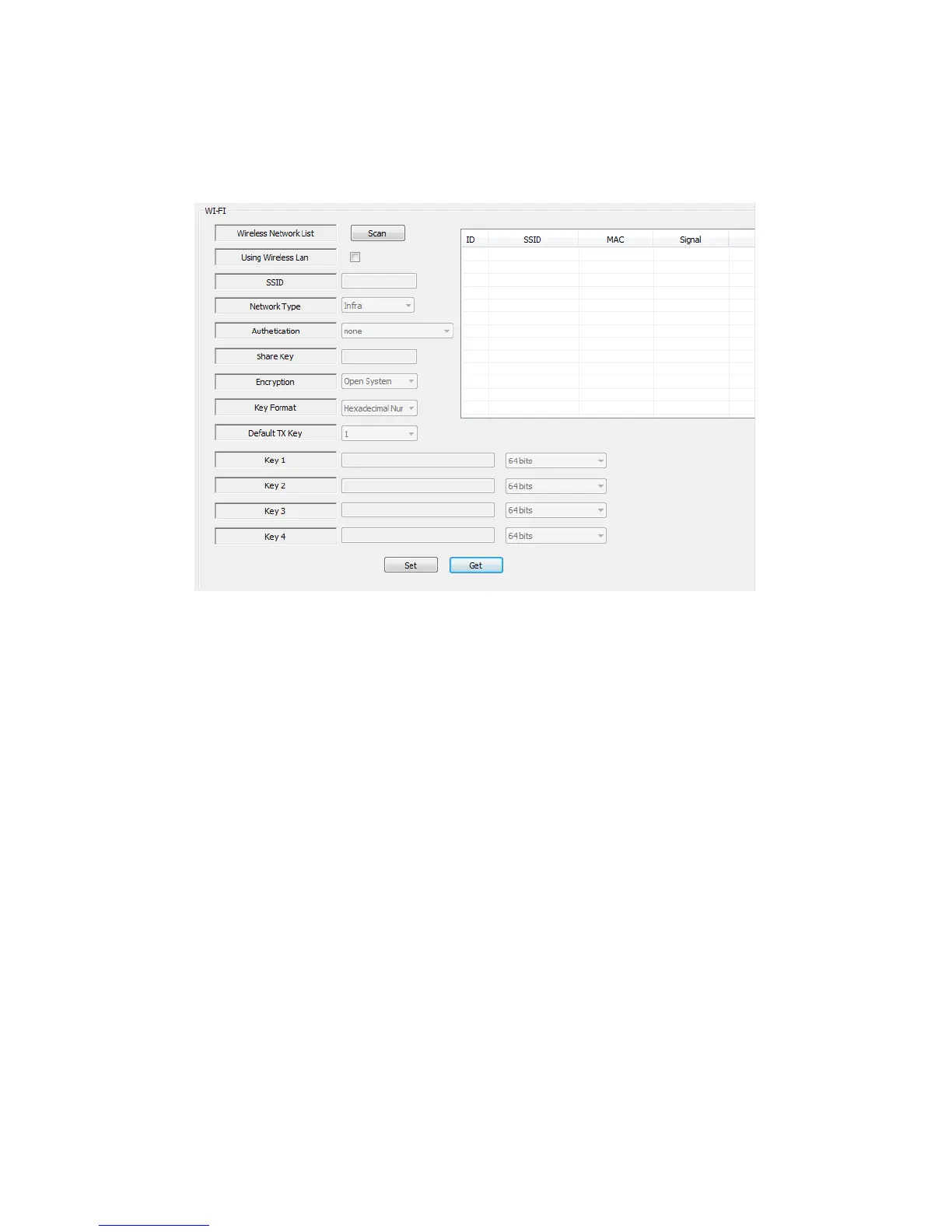
5.12 WIFI setting
You can select if the camera will use a WiFi connection and what AP or Router it will
connect to. Also you can set the encryption settings of the WiFi connection you wish to
connect to.
6.0 The webpage of the camera
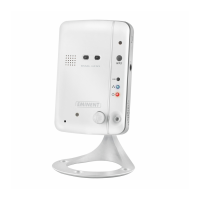
The Eminent camera is also an IP camera with its own webpage. This means you can
login to the webpage by using the camera’s IP Address. Use the following steps to
login to the webpage and change any of the camera settings.
In the section below, we assume you logged in using Internet Explorer.
The menu will be slightly different when using another browser.
6.1 Login by Web browser
1. Ensure the camera is connected to the network.
2. Retrieve the camera’s IP address and port setting (use the LAN search function of
the APP or PC software)



 To Next Page