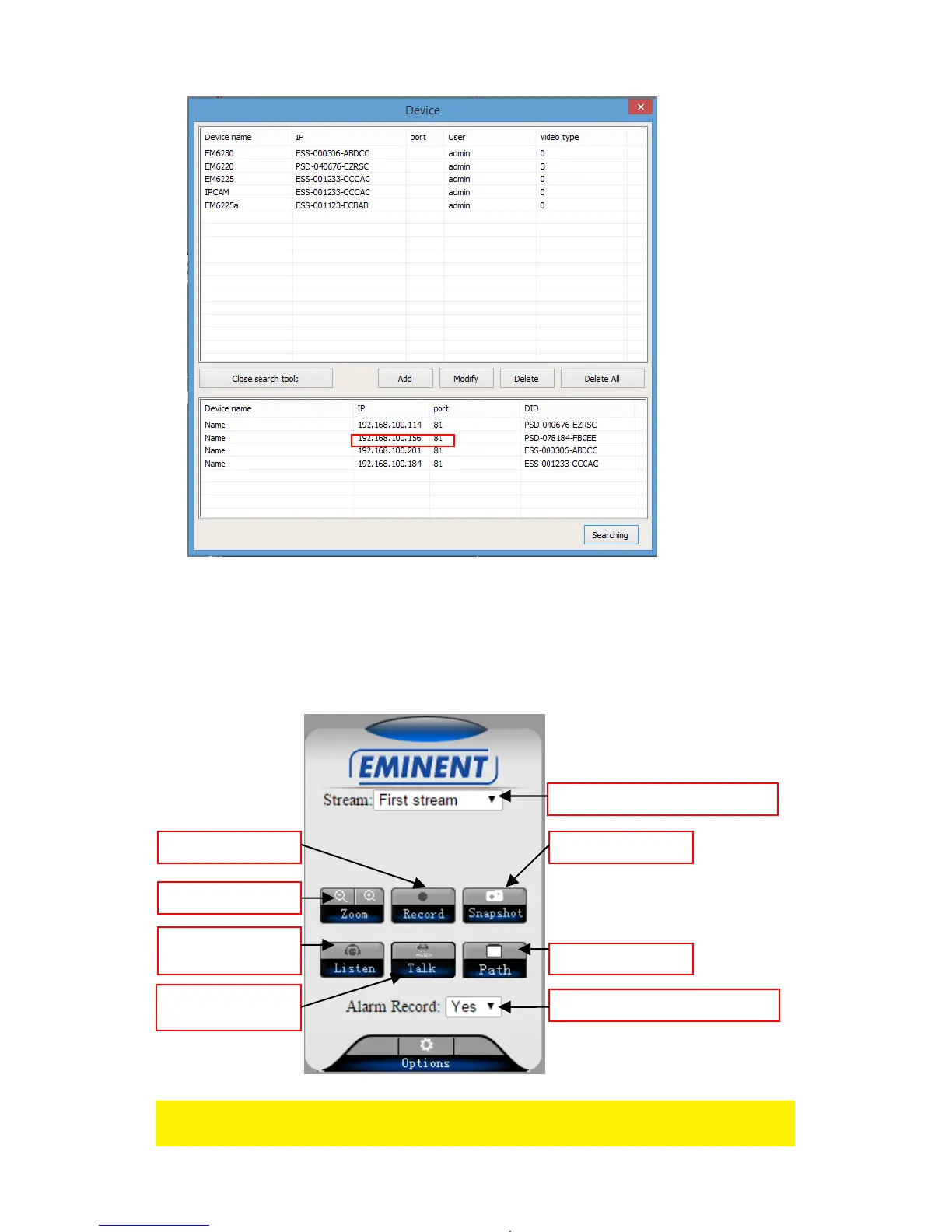
3. Enter the IP address in the address bar of your web browser followed by : and port
number e.g. 192.168.100.101:81
4. Login with user: admin
Password: (Leave blank)
6.2 The layout of e-CamView
The menu options are the same as the settings menu of the PC software with the
exception of FTP service settings and Maintenance.
Zoom
Take Snapshot Start recording
Enable / disable
Speaker
Recording path
Change video resolution
Enable / disable



 To Next Page