files from attached USB devices, your network or from the internal card reader of the
EM7385.
One of the main features of the media player is the ability to play many types of video
files. ‘Regular’ video files like DVD ISO and VIDEO_TS files are supported. Also,
.MOV, .MKV, .AVI and Blu-Ray video files are supported. The EM7380 & EM7380 are
also able to play 3D video files. The EM7380 and EM7385 both support Full 3D, Side-
by-Side 3D and Top-Bottom 3D.
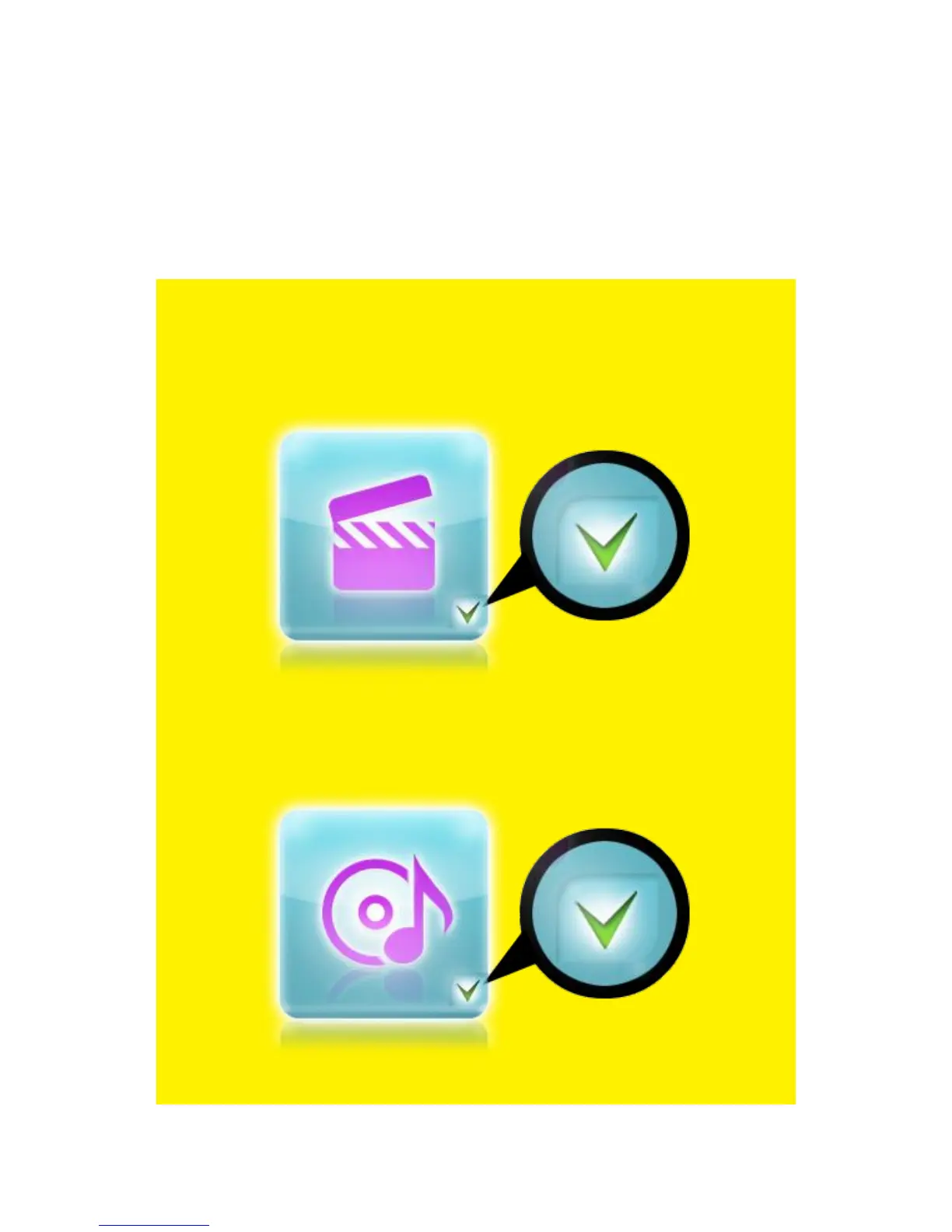
Note: The main menu represents a category manager. There are three main
categories available: ‘Movie’, ‘Music’, and ‘Photo’. Each category has it’s own icon.
The ‘Movies’ icon represents Movies category. Refer to the following image for
the ‘Movie’ icon:
Image 5 – Movies icon.
The ‘Music’ icon represents the Music category. Refer to the following image for
the ‘Music’ icon:
Image 6 – Music icon.



 To Next Page