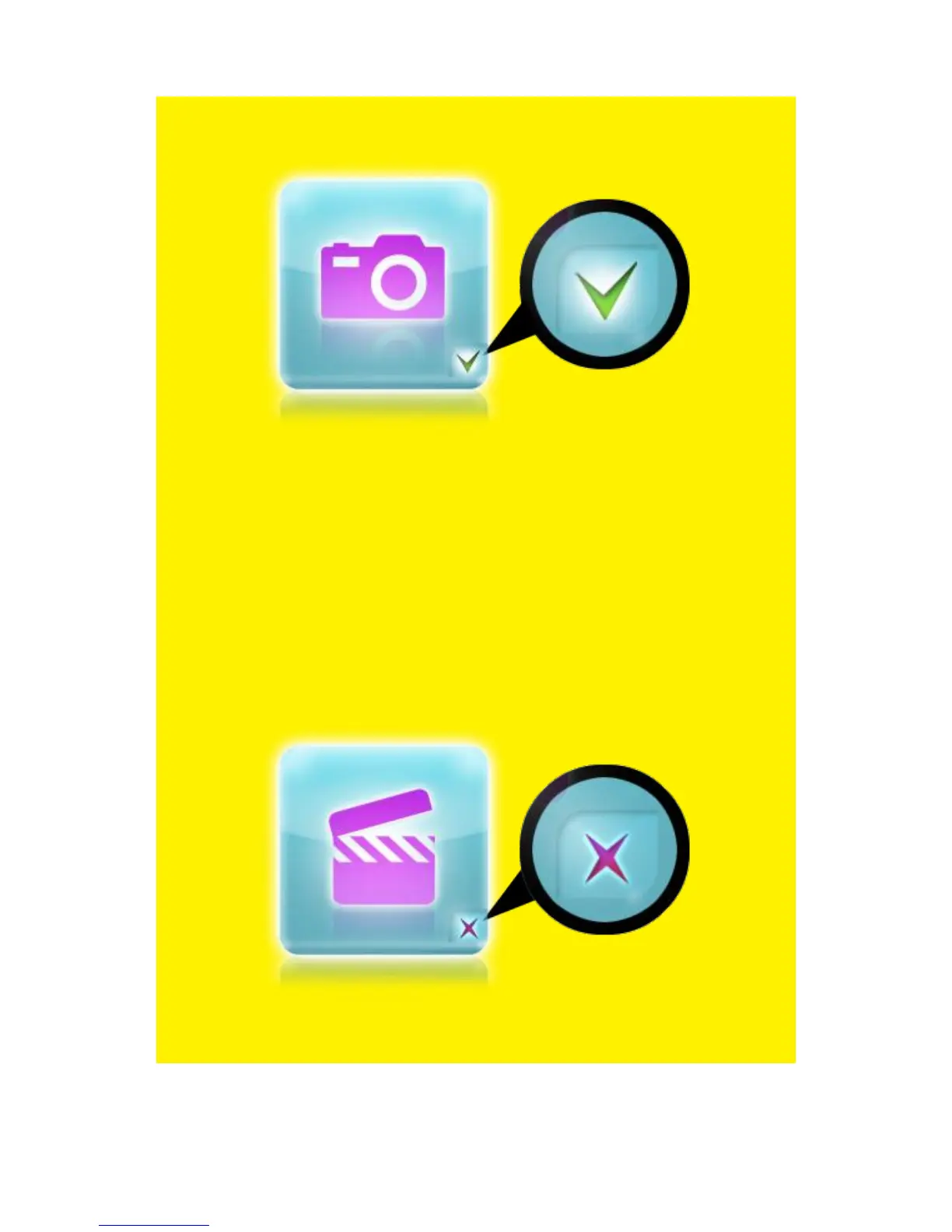
The ‘Photo’ icon represents the Photo category. Refer to the following image for
the ‘Photo’ icon:
Image 7 – Photo icon.
Note: If the ‘Media Library’ is set to ‘Off’, a mark will always be placed at the different
categories which indicates the different categories can be chosen.
However, If the ‘Media Library is set to ‘On’, the marks will only be available if a USB
hard disk or memory is detected (EM7385 & EM7380), or if the internal hard disk is
detected (EM7385). If the ‘Media Library’ is set to ‘On’, but no devices are detected, a
cross will be placed at the different categories.
This means the different categories can not be used. Also refer to the following
images where the ‘Media Library’ is set to ‘On’, but no USB hard disk, USB stick or
internal hard disk is detected:
Image 8 - Movies category not available (cross is present).



 To Next Page