6.0 Settings
Before changing the settings of the control panel, the control panel should be in
“setup-state”.
6.1 Enter Setup-state
Note : The default admin code is : 123456
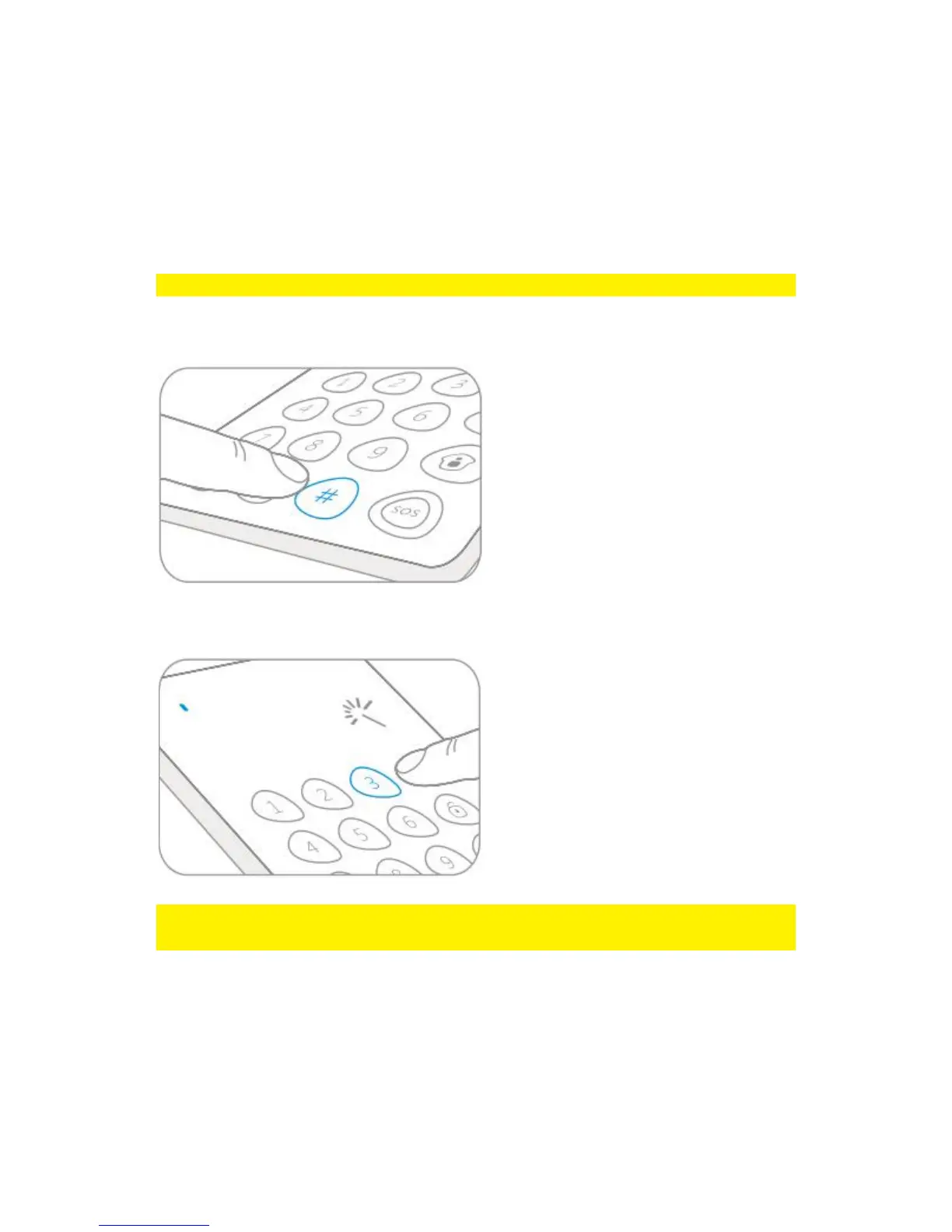
Input the admin code followed by the [#] button to wake up the control panel.
Press [3] to enter the setup-state. The LED indicator will be on.
Note : When there is no key press within 10 seconds the control panel will exit the
setup-state automatically. You can also press [#] to exit the setup-state.
6.2 Delay Arm
When the alarm system is armed, detectors will start working immediately. At that
time, if you are still at home, it will trigger the alarm system.



 To Next Page