6.4 Keyboard tone
Keyboard tones can be switched on or off.
If they are switched off, the beep when a setup is successful will also be switched off !
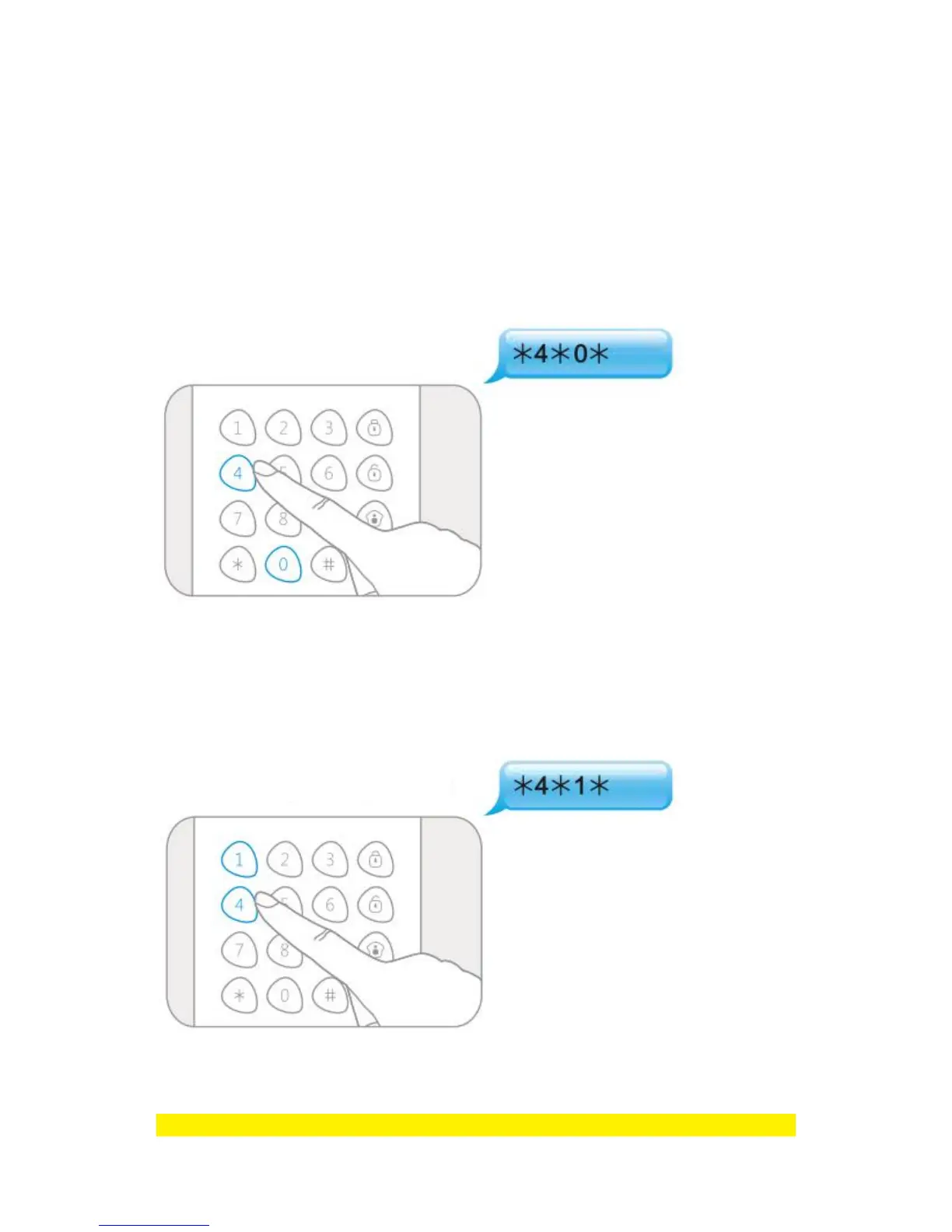
6.4.1 Disable keyboard tone
Enter Setup-state and input :
When one beep is heard and the LED indicator keeps on for 10 seconds, the setup is
successful.
6.4.2 Enable keyboard tone
Enter Setup-state and input :
When one beep is heard and the LED indicator keeps on for 10 seconds, the setup is
successful.
Note : Default setting is 1, keyboard tones are enabled.



 To Next Page