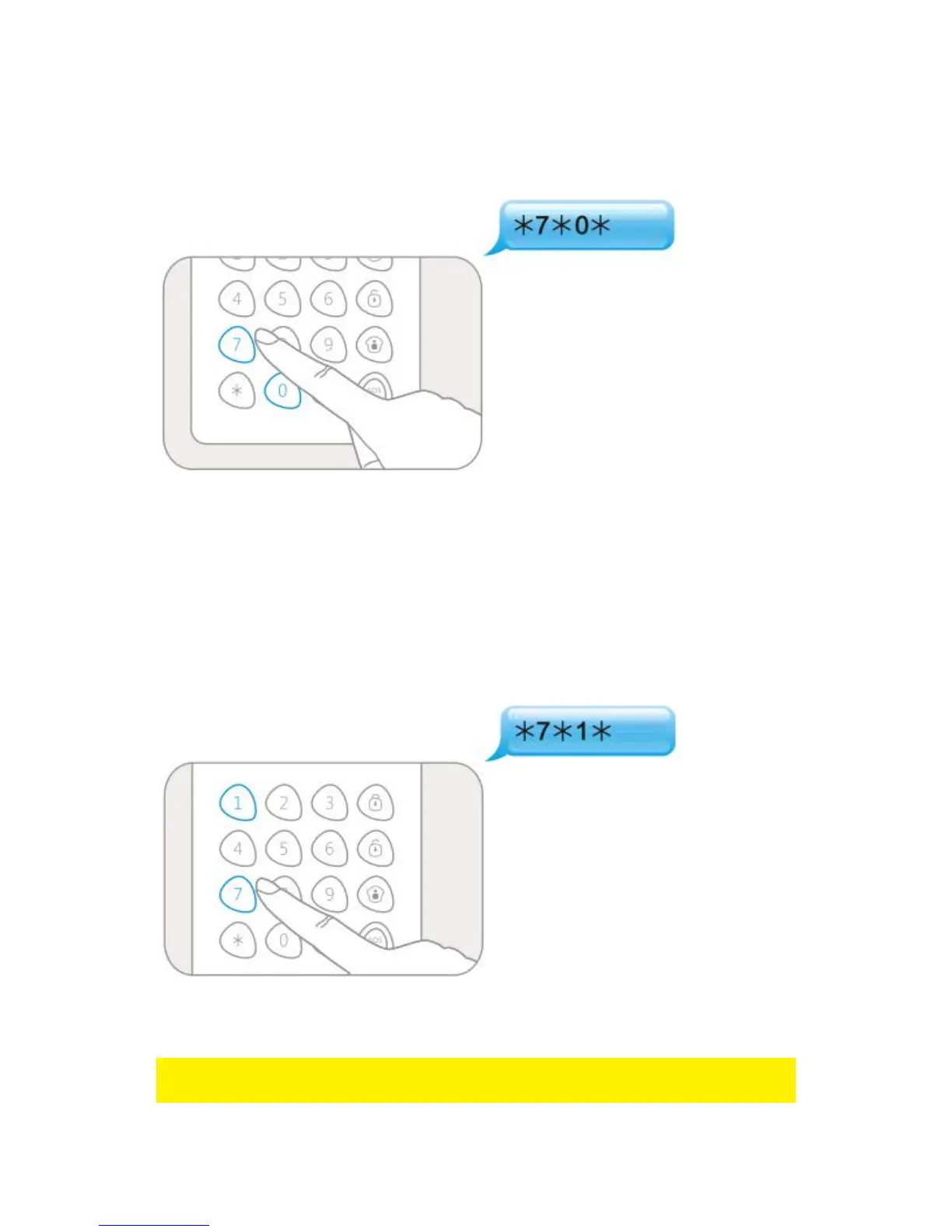
6.6.1 Enable power savig mode
Enter Setup-state and input :
When one beep is heard and the LED indicator keeps on for 10 seconds, the setup is
successful.
6.6.2 Disable power saving mode
If the control panel is powered by an external 12V power supply (not included), it is
recommended to switch of the power saving mode. Users can disarm the alarm
system directly by RFID tag.
Enter Setup-state and input :
When one beep is heard and the LED indicator keeps on for 10 seconds, the setup is
successful.
Note : Default setting is 0, power saving mode switched on. User needs to press [*] to
wake up the control panel before using the RFID tag.



 To Next Page