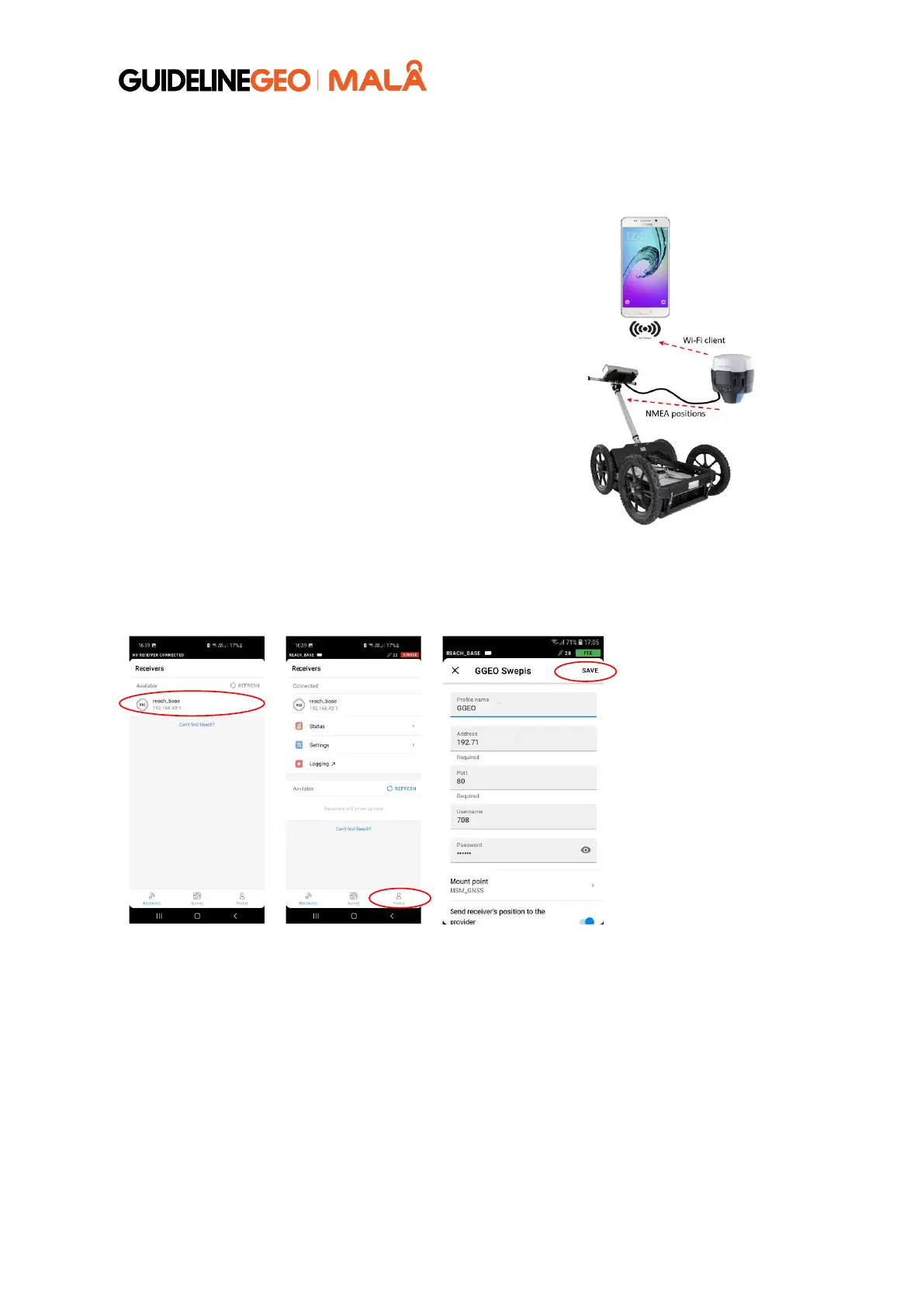
If you do not have a SIM card (with Internet
subscription) you can use your mobile phone to
provide the Emlid with an internet connection.
This will allow the Emlid to receive corrections to your
positioning data through an NTRIP (Networked
Transport of RTCM via Internet Protocol) service.
Start by configuring a hotspot on your mobile phone
to share your mobile internet.
The hotspot in this guide is named MALAdemo with
password mala0123, you can choose any name you
like.
Follow the guide above (Connecting the Emlid Flow
App to the Emlid unit) to connect your phone or
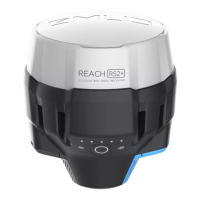
tablet to the Emlid Reach RS2 / RS2+ / RS3 unit.



 To Next Page