016
Operation
Basic Operations and Input Connections
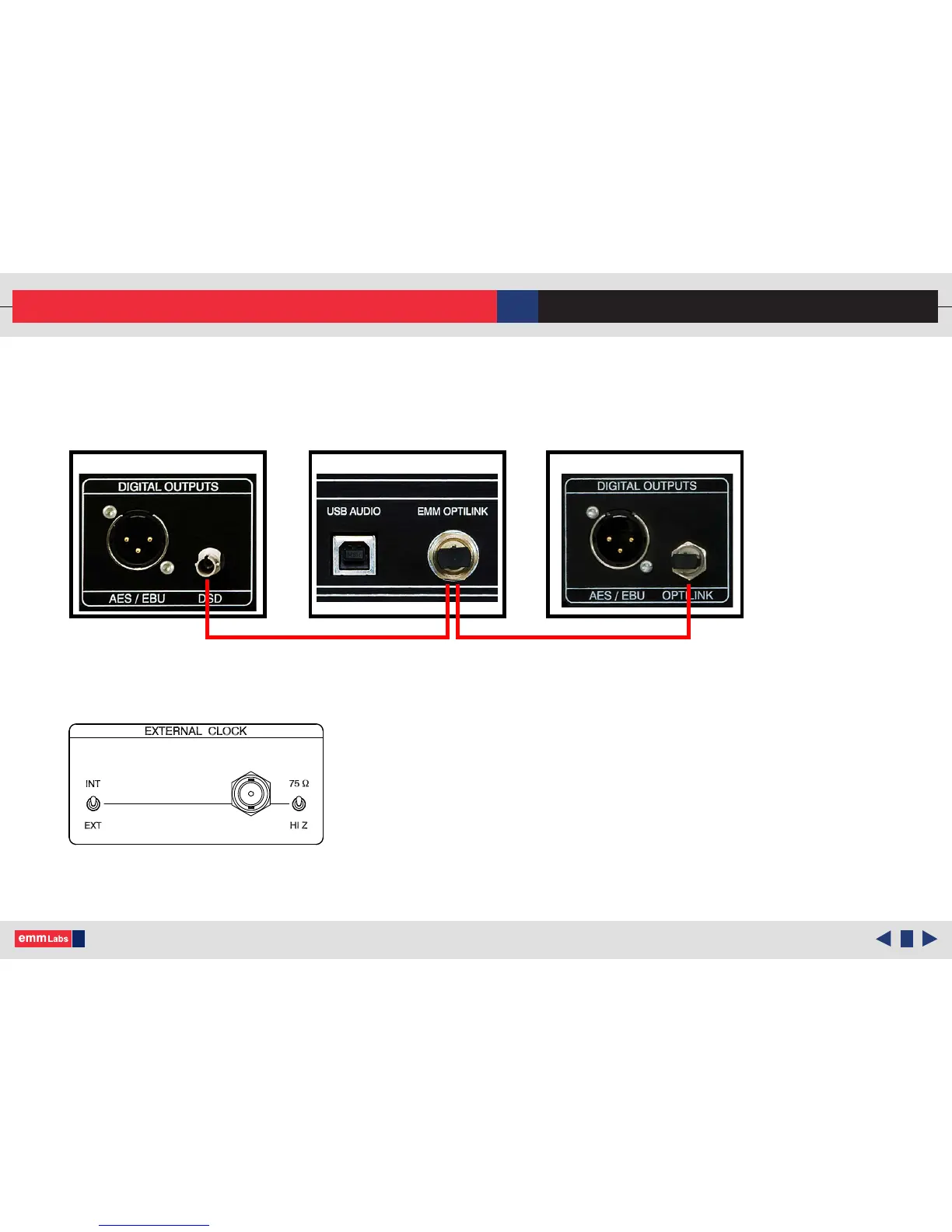
TX2 and DA2 (including TSDX and TSD1) Quick Connect:
Connect the EMM Optilink cable from the TX2 to DA2 (same for TSDX/TSD1)
Additionally for the TSD1 External Clock switch must be set to internal:
Using either the remote or the front panel of the DA2 select EMM Link.
e DA2 display should show the appropriate sample rate when locked.
TX2
TSDX/TSD1DA2
EMM Optilink Cable
© 2015-2016 EMM Labs Inc., All Rights Reserved. EMM Labs reserves the right to amend specifications & design without notice.
DA2 AUDIO CONVERTER OWNER’S MANUAL



 To Next Page