22
Operation Guide
1. Speedometer & Control
d� Function Summary
Walking Mode
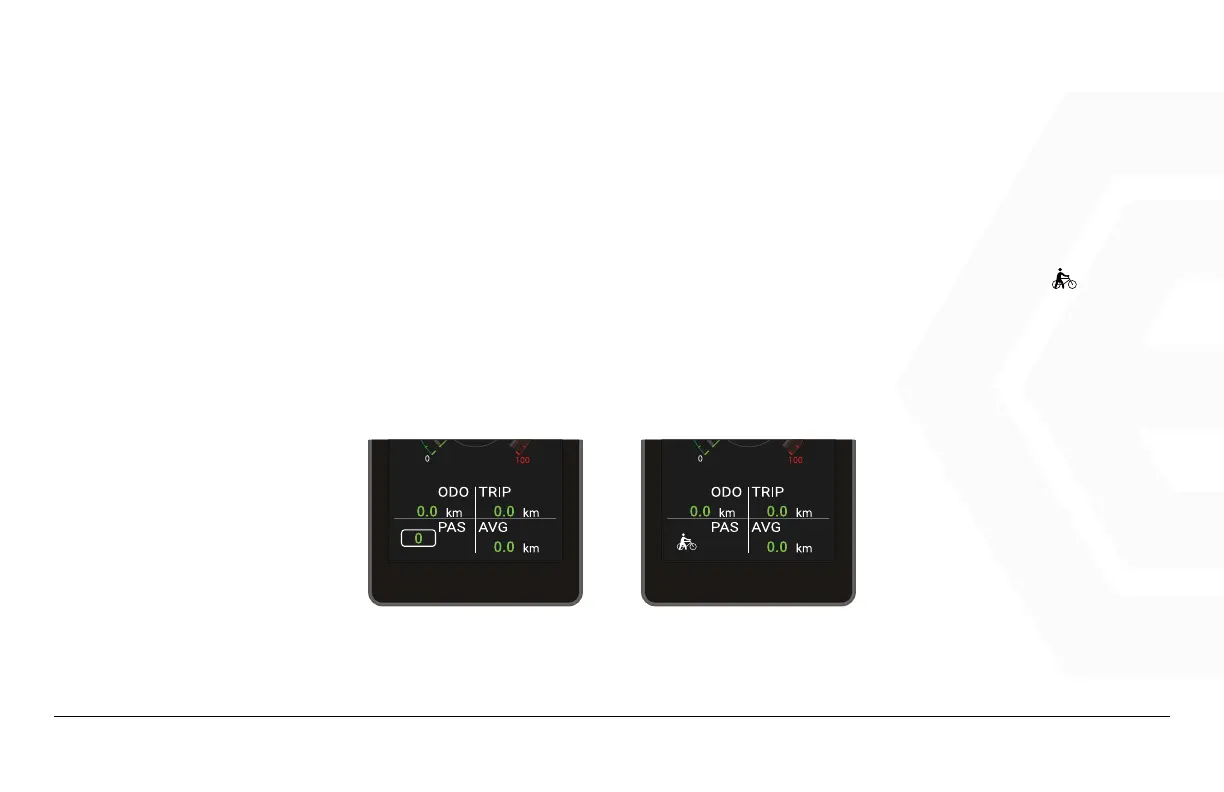
When the bike is stationary, switch the PAS level to 0, press the “-” button again to display the icon “ “.
After the logo appears hold the “-” button to enter walking mode. The interface is shown as follows.
In walking mode, the boost logo is animated, the vehicle speed is less than 6km/h, releasing the “-”
button will stop the boost, and the logo will no longer be animated.
WALKING MODE


 To Next Page