23
Operation Guide
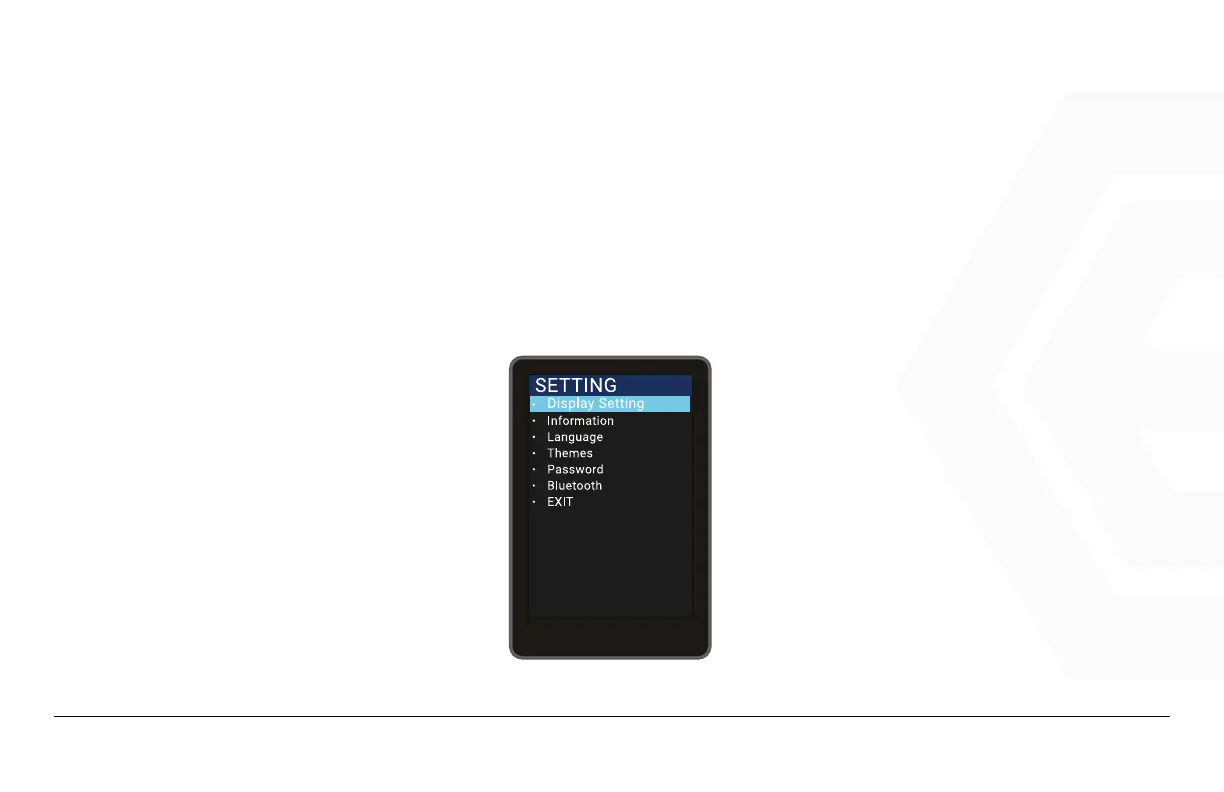
Press the Power button to enter the list of settings, use the “+” button or the “-” button to switch between
different setting, press Power to confirm selection between “Display Setting”, “Information”, “Language”,
“Themes”, “Password”, “Bluetooth” and “Exit”.
1. Speedometer & Control
d� Function Summary



 To Next Page