6
Snooze function
Press the SNOOZE button to delay ringing of the alarm by about 5 minutes. Press the button when the alarm starts ringing.
The alarm icon will be ashing. To cancel the SNOOZE mode, press the ALARM button; the bell icon stops ashing and
stays displayed. The alarm will be re-activated the next day. The alarm will be active for 2 minutes, if no button is pressed.
Weather Forecast
The station forecasts weather on the basis of changes in atmospheric pressure for the next 12–24 hours for an area within
the range of 15–20 km. Accuracy of weather forecast is 70–75 %. As the weather forecast may not be 100 % accurate neither
the manufacturer nor the seller can be held responsible for any loss caused by an incorrect forecast. When you rst set
or reset the weather station, it takes about 12 hours before the weather station begins forecasting correctly. The weather
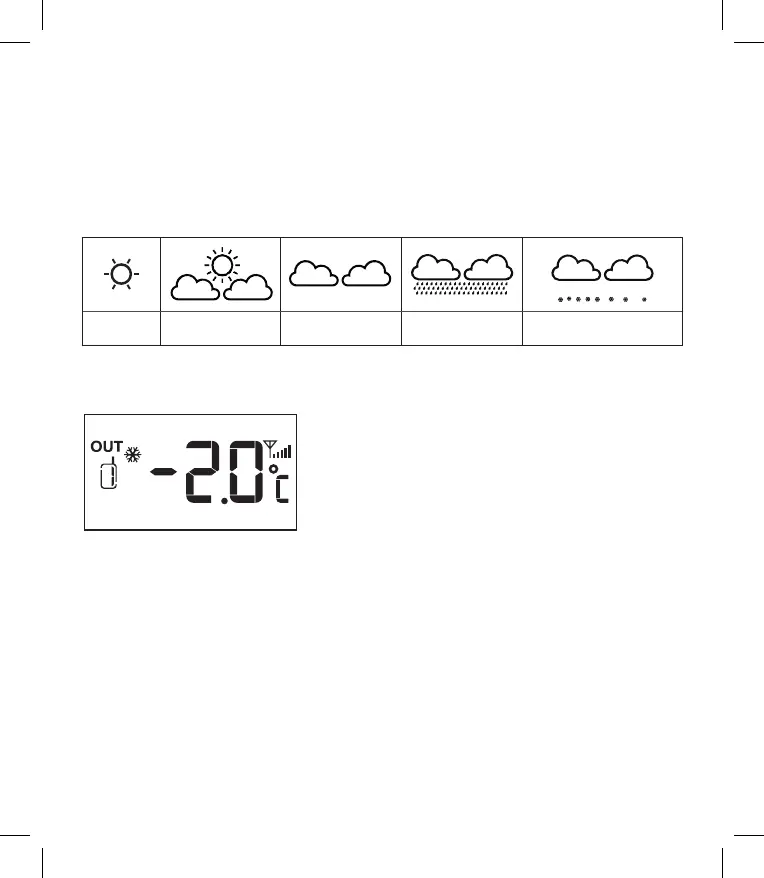
station shows 5 weather forecast icons.
Sunny Slightly sunny Cloudy Rainy Snowy (at the outdoor
temperature below -3 °C)
Note: Currently displayed icon means a forecast for the next 12–24 hours. It may not reect the current state of the weather.
Glaze Ice Warning
If the outside temperature reading is -2 °C to +3 °C, a ake icon is displayed.
Backlight/selecting display colour
Brightness of the display can be set by a slide switch OFF – LO – HI at the back of the weather station.
OFF – backlight is o
LO – middle level of the backlight
HI – the highest level of the backlight
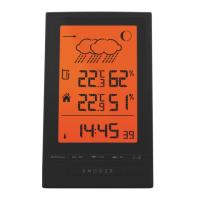
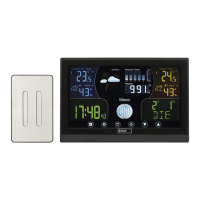
On the weather station, several modes of display colours can be set.
Note: For the backlight to be activated, the DC adapter must always be connected.
LOOP mode
Press the LOOP button; the display colour of the weather station will automatically be changed in the following sequence:
white > red > orange > yellow > green > turquoise > blue > purple.
RAINBOW mode
If the LOOP mode is activated, turn it o by pressing the LOOP button.
Then repeatedly press RAINBOW.
Each pressing will set a dierent colour of the display in the following sequence: white > red > orange > yellow > green
> turquoise > blue > purple.


 To Next Page