9
Alarm Settings
The weather station allows you to set 2 separate alarm times.
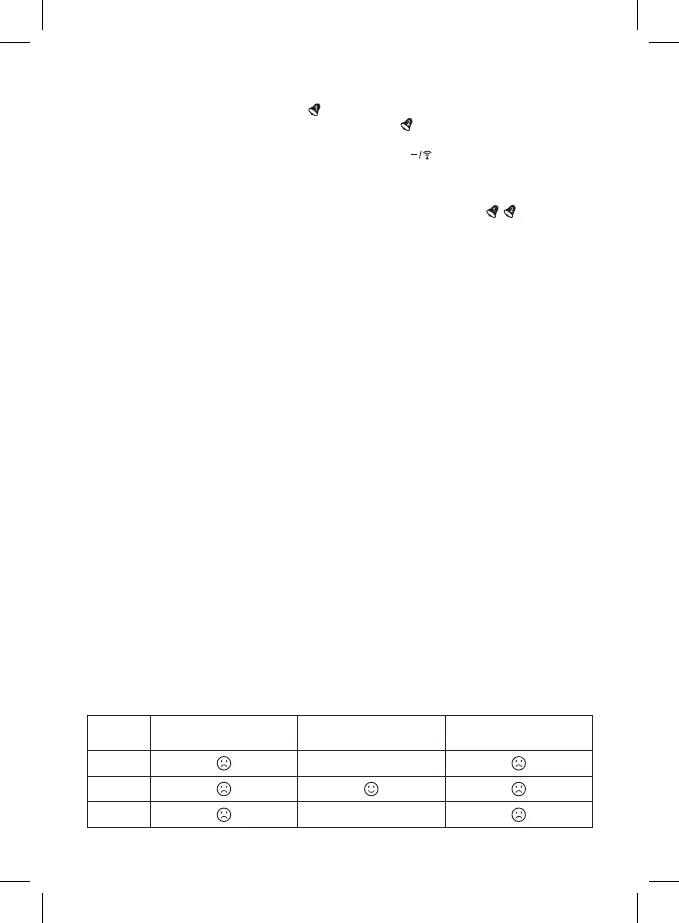
Press the MODE button; the alarm no.1 icon
will be ashing.
Another press of the MODE button selects time for alarm no. 2
.
Then, long-press the MODE button to set the alarm of your choice.
You can set the time values by repeatedly pressing the +/12/24 or button; to navigate in the menu,
press the MODE button again.
To activate/deactivate an alarm, repeatedly press the MODE button to select alarm no. 1 or no. 2 and
then repeatedly press the ALARM/ON/OFF button. Select ON or OFF (active/inactive).
Based on the settings, the display will show an icon of the corresponding alarm (
, ).
The alarm will then sound at the set time.
Snooze Function
Alarm ringing can be postponed by 5 minutes using the SNOOZE/LIGHT button located on the top
of the weather station.
Press the button when the alarm starts ringing. The alarm icon will be ashing.
To cancel SNOOZE mode, press any other button – the icon will stop ashing and will remain on the screen.
The alarm will be re-activated the next day.
If you do not press any button while the alarm is ringing, the ringing will stop automatically after 2
minutes.
Screen Illumination
Press the SNOOZE/LIGHT button to activate display backlighting for 5 seconds.
Indoor and Outdoor Temperature, °C/°F Temperature Unit Setting
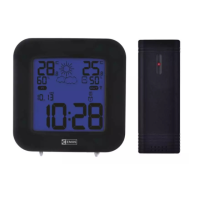
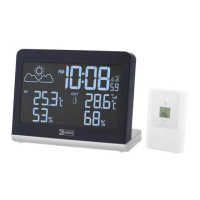
Indoor temperature is displayed in eld 9.
Outdoor temperature is displayed in eld 2.
If the station or the sensor detects values outside of range, it will show (HH.H/LL.L).
Press the °C/°F/+ button to choose between °C/°F unit of temperature.
Displaying Maximum and Minimum Readings of Temperature/Indoor Humidity
Repeatedly pressing the MAX/MIN/- button will show maximum (MAX icon) and minimum (MIN icon)
readings of temperature and indoor humidity.
To erase the memory of measured values, long-press the MAX/MIN/- button.
Atmospheric Pressure/History
The station shows atmospheric pressure value in hPa and after a repeated press of the HISTORY/
WEATHER button also a history of pressure readings for the last 12 hours in eld no. 21.
The chart of pressure history is animated (cannot be changed).
Moving the weather station to another place will aect the measured values.
Measurement will stabilise within 12 hours of battery insertion or station relocation.
Temperature Index – Smiley Face
The temperature index combines air temperature and relative air humidity to determine the apparent
temperature – also known as "feels-like" temperature or felt air temperature.
The body normally cools by sweating. Sweat is essentially just water that conducts heat away from the
body though evaporation. If relative humidity is high, the speed of water evaporation is low and heat
dissipates from the body slower. As a result, the body retains more heat than it would in a dry environment.
<40 %
Dry environment
40–60 %
Comfortable environment
>60 %
Wet environment
<20 °C
–
20–26 °C
>26 °C –



 To Next Page