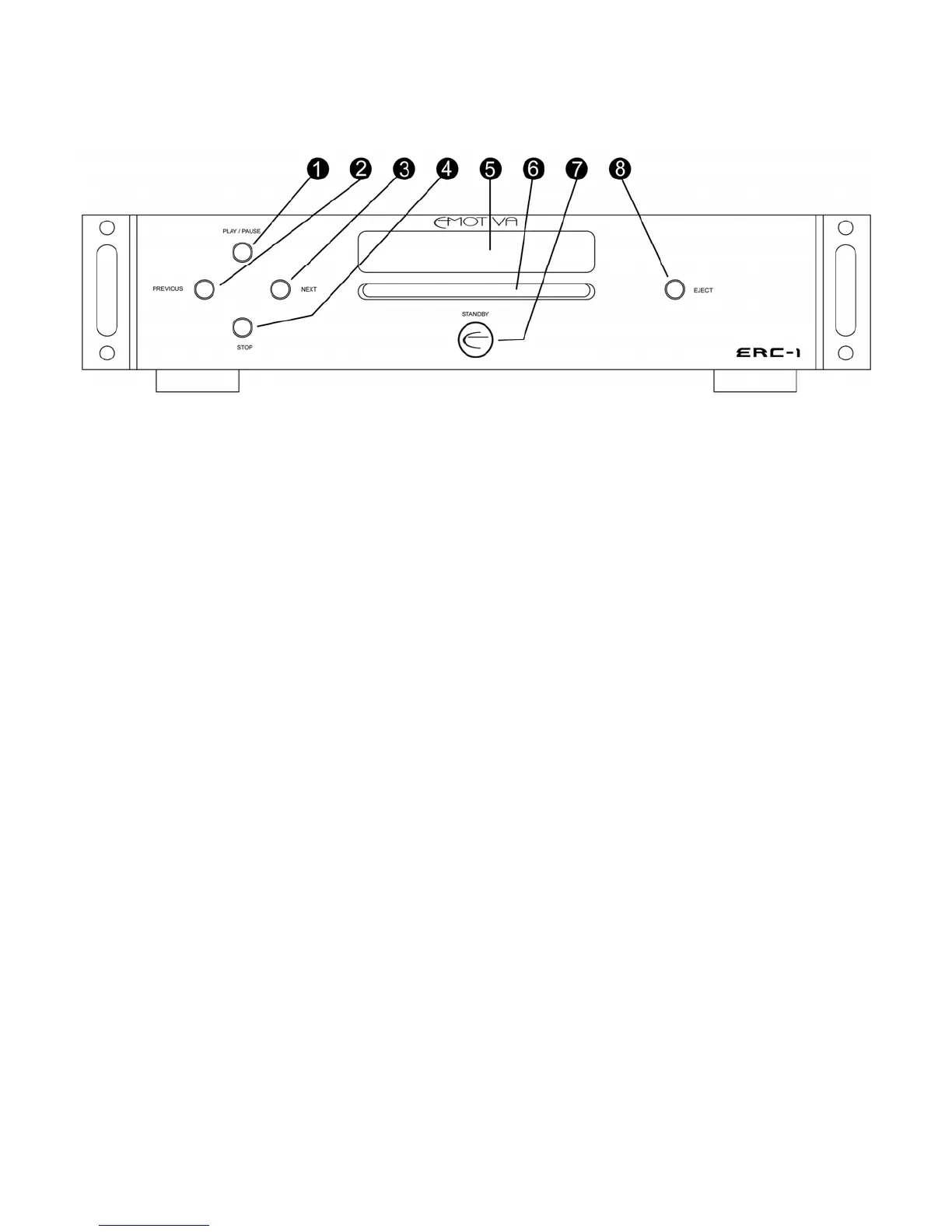
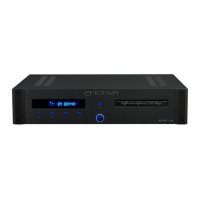
FRONT PANEL LAYOUT
1. PLAY/PAUSE
This is used to play and pause the disc.
2. PREVIOUS
This is used to jump to the start of the current track or to jump to the start of the previous
track.
3. NEXT
This is used to advance to the start of the next track.
4. STOP
This is used to stop the disc.
5. DISPLAY
This contains all information about the disc currently playing.
6. SLOT-LOAD SYSTEM
This is where the disc is loaded. (Blue Halo lit)
7. STANDBY
This powers the unit to on from standby and from standby to on (also performed with the
remote control). The button will glow amber when in standby and blue when on.
8. EJECT
This ejects the disc from the slot-load system.
13



 To Next Page