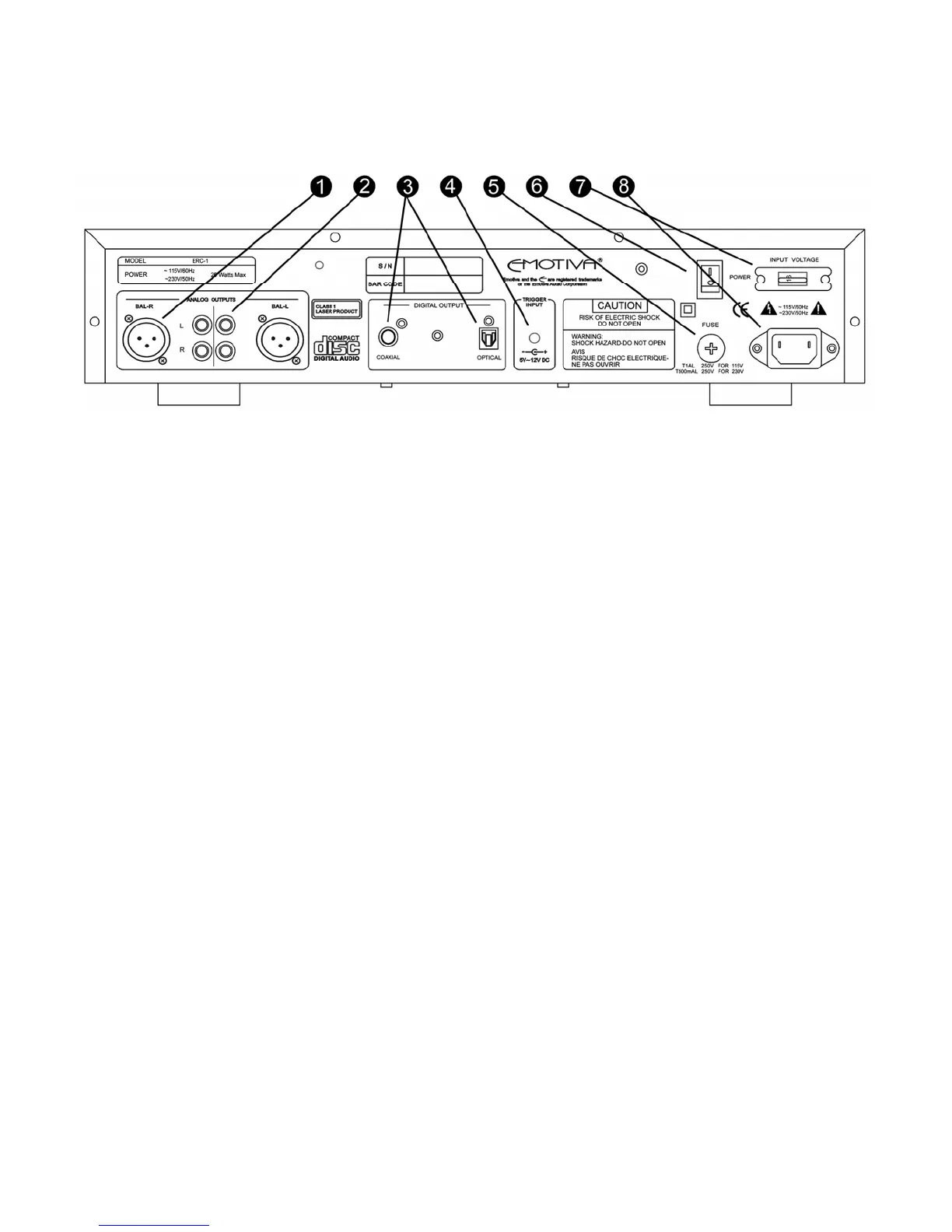
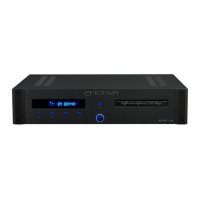
REAR PANEL LAYOUT
1. BALANCED OUTPUTS (1 set)
These are used to connect the ERC-1 to a single input device (pre/pro, receiver) with
balanced (XLR) type cables.
2. ANALOG OUTPUTS (2 sets)
These are used to connect the ERC-1 to two separate input devices, (pre/pro, receiver)
with RCA type cables.
3. DIGITAL OUTPUTS
These are used to connect the ERC-1 to an input device (pre/pro, pre-amp, receiver) via
coaxial and/or optical.
SPDIF Coaxial Digital - To obtain best results, use a high quality 75 ohm digital RCA
interconnect cable (not one designed for normal audio use).
Toslink Optical Digital - Use a high quality Toslink fiber optic interconnect cable
specifically designed for audio use.
4. TRIGGER INPUT
When connected to a pre/pro or receiver with a trigger output, the ERC-1 will power up
and power down in synchronization with the connected device.
5. FUSE
6. MAIN POWER SWITCH
This rocker switch provides the master power for the ERC-1. After it is in the ON position,
the ERC-1 can be turned on manually from the front panel switch, remote control or
automatically with the trigger input via a 3.5mm input jack.
7. INPUT VOLTAGE
8. POWER RECEPTACLE
This is a standard IEC 3 prong power receptacle.
14



 To Next Page