STEP 4: PAIR WITH EMBRACEPLUS
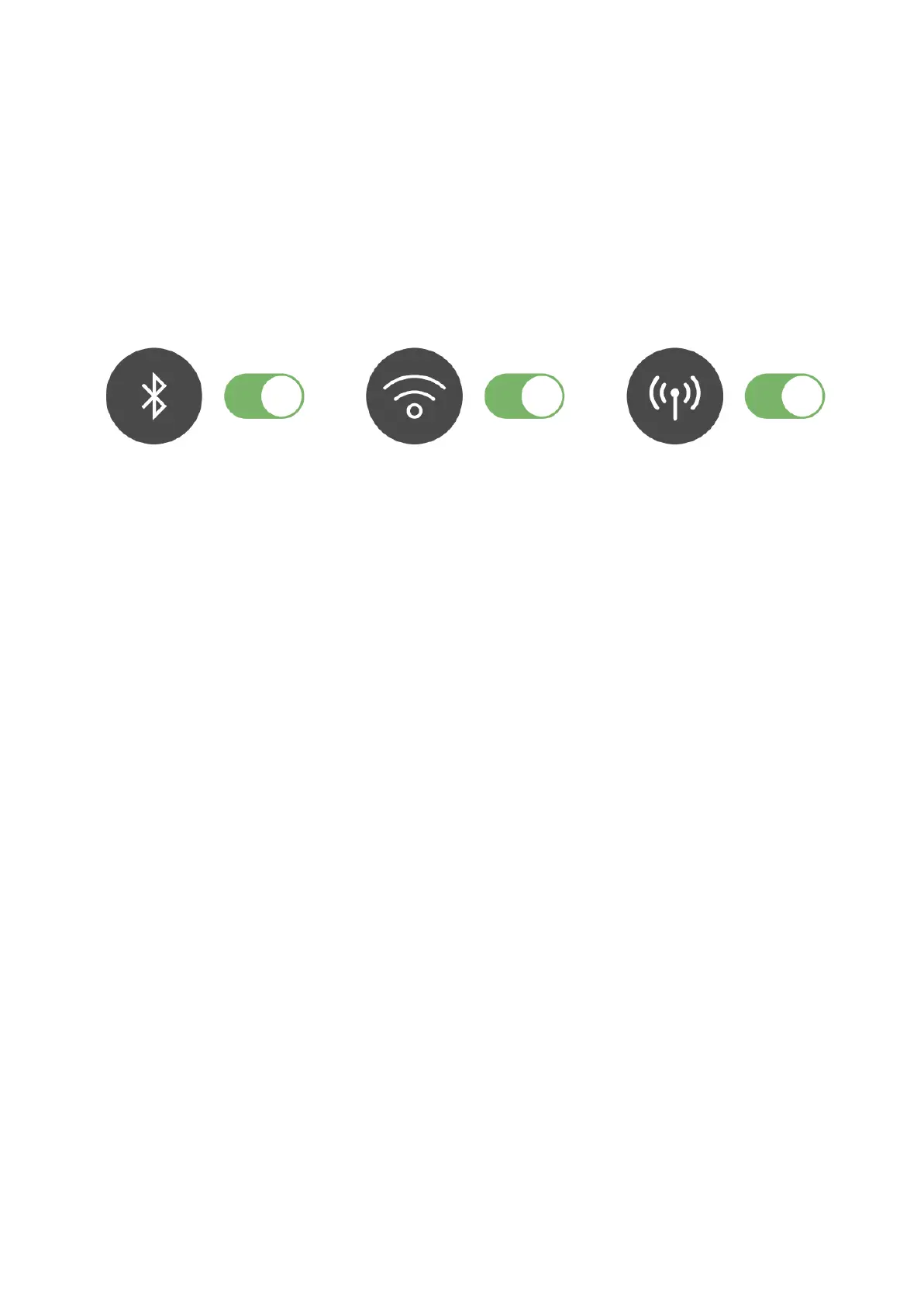
a. Make sure the companion device has Bluetooth and the internet
connection (WiFi or cellular network) activated.
b. Make sure EmbracePlus is turned on:
i. Click the top button on the right side of EmbracePlus. HI or
the battery status should appear.
If nothing happens, i.e. EmbracePlus screen display remains dark:
ii. Put EmbracePlus to charge:
1. Plug the charger into a standard 5V USB 2.0 power
source.
2. Slide EmbracePlus in the charger making sure the
buttons are on the outer side.
3. EmbracePlus will turn on and display HI


 To Next Page