4. Then the battery percentage will appear
c. Keep EmbracePlus (also if charging) close to the companion device.
d. In the Care App, after logging in, start the pairing flow and follow
the steps.
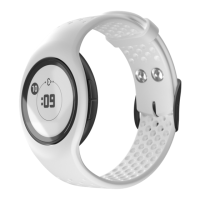
e. When the process is completed, EmbracePlus will display the time
on a white background. (If it is in the charger, temporarily remove it
to ensure that pairing was successful)
IMPORTANT: in order to pair EmbracePlus with the companion device,
EmbracePlus must not be connected with another device. To check this,
when out of the charger, check if the Empatica heart is visible on
EmbracePlus. If this is the case, you first need to unpair (forget) it on its
companion device (go to the settings page on the companion device).


 To Next Page