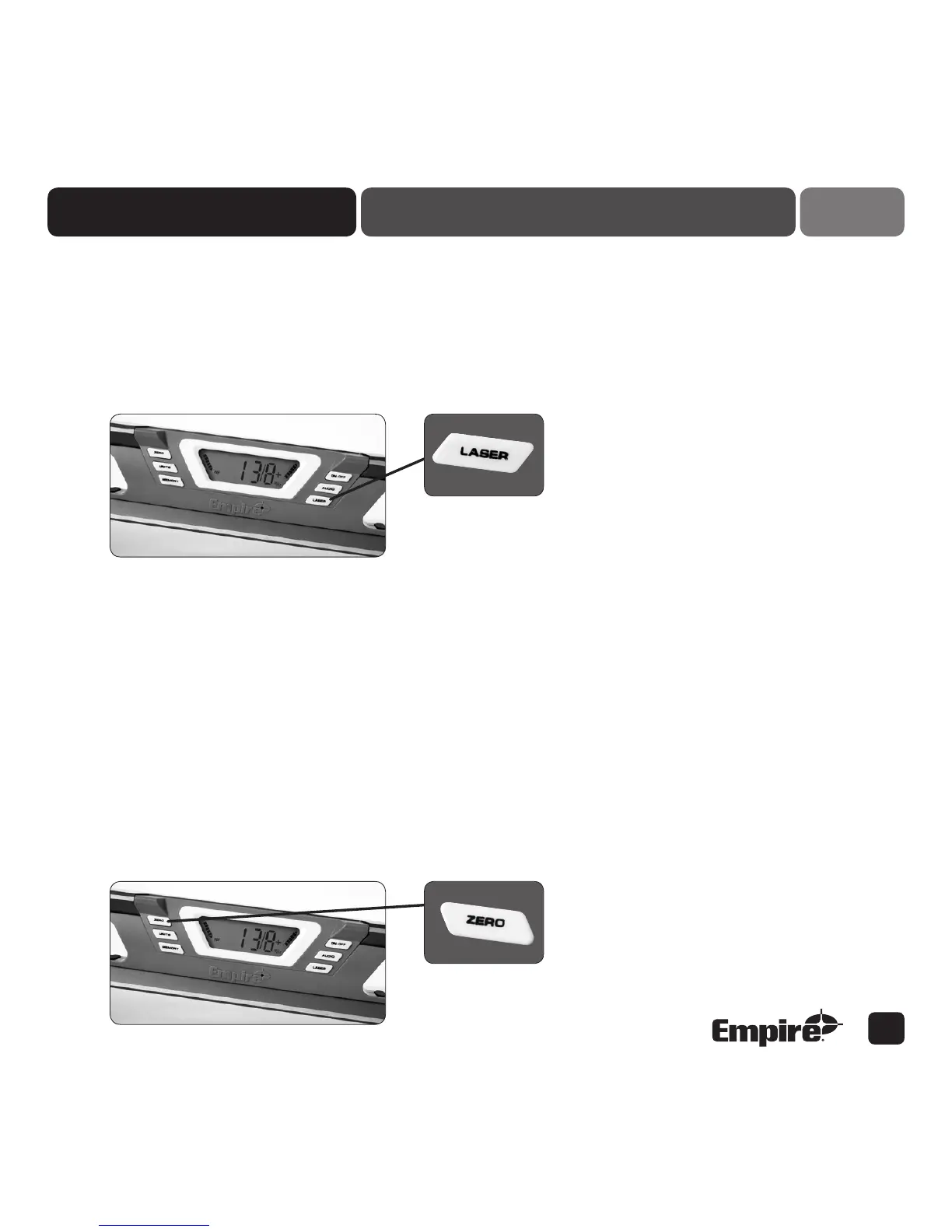
Laser
Simply press and hold the button to turn laser on, and press the button to turn off. The laser can
be used even if the display is not on.
Note: The laser will not automatically turn off after 5 minutes.
Red light located below digital module indicates when laser is on.
4
The Empire Digital Level Accuracy, Readability, Durability four
Zero
Calibration function: Press and hold until flashing
For easy calibration of this level, place level on a flat surface, push and hold the Zero button until Cal 1
appears in display. Next, wait for Cal 2 to appear in the display. Rotate the level end to end, push and
hold Zero button once more until Cal 2 STARTS to Flash on the display. Continue to wait until the Cal 2
display stops flashing and the display returns to a standard display mode. Your level is now calibrated for
level and plumb positions. You should calibrate your level if it is ever dropped or to confirm calibration.
Zero at Present Position function: Press and release
By pressing the zero button and immediately releasing it – the tool can be set at zero at that new position,
allowing the user to move the tool and start the measurement from that new starting point as zero.


 To Next Page