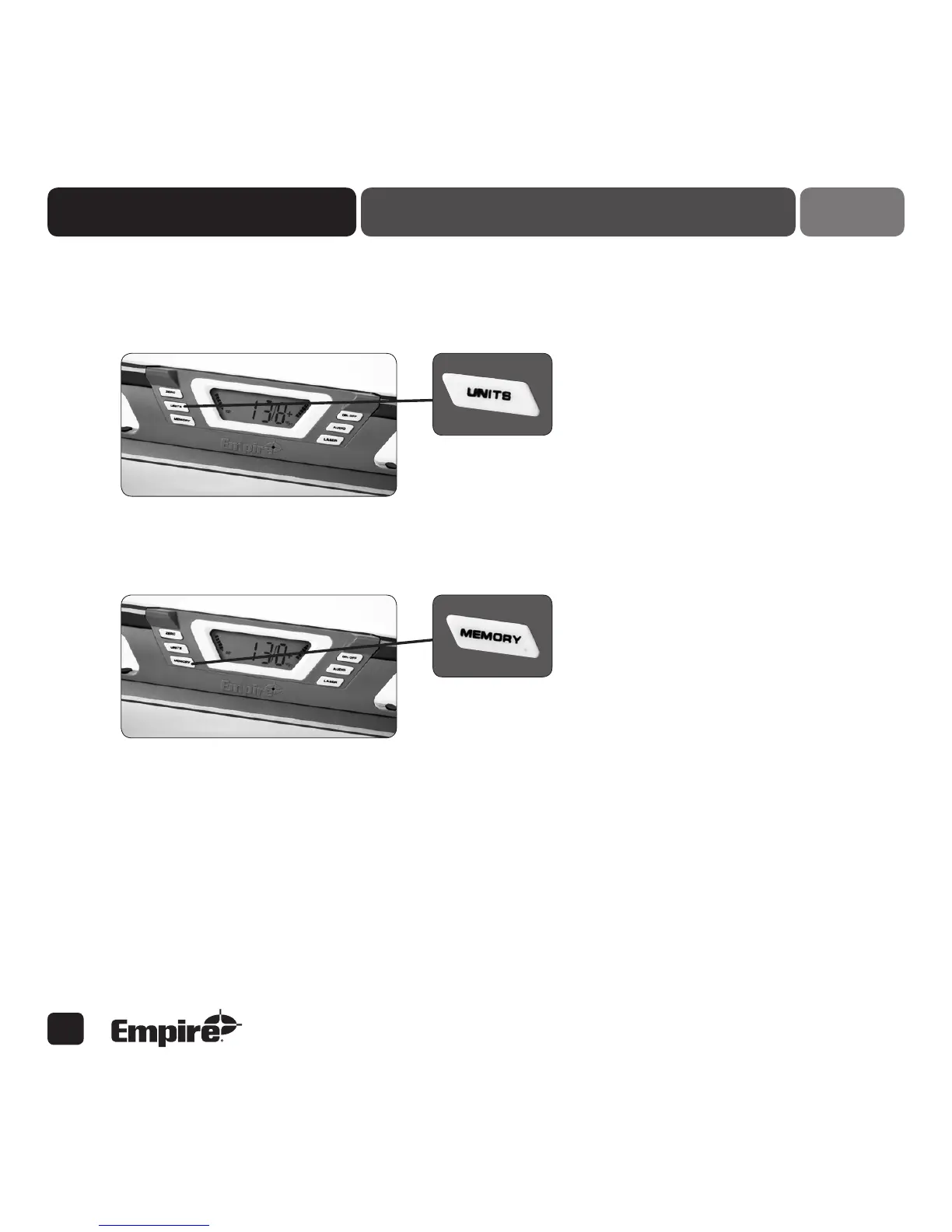
Units
Press to change display units: degrees (°), slope (%), pitch (IN/FT) (shown plus(+) or minus(-) depending
on direction of pitch). Press and hold button to continuously switch display between °, %, IN/FT.
Memory
Push button to hold or release the current display, arrows will blink when display is fixed.
Digital DisplaY reaDing:
• Up/Down arrows get shorter as it gets closer to level or plumb.
• Speaker icon shows in display window when Audio beep is activated.
• °, %, IN/FT displays to show measurement mode.
• Reads right side up no matter how the level is positioned.
The Empire Digital Level Accuracy, Readability, Durability five
5


 To Next Page