ENGLISH-06
2. USING THE PHONE
2.1 Home screen
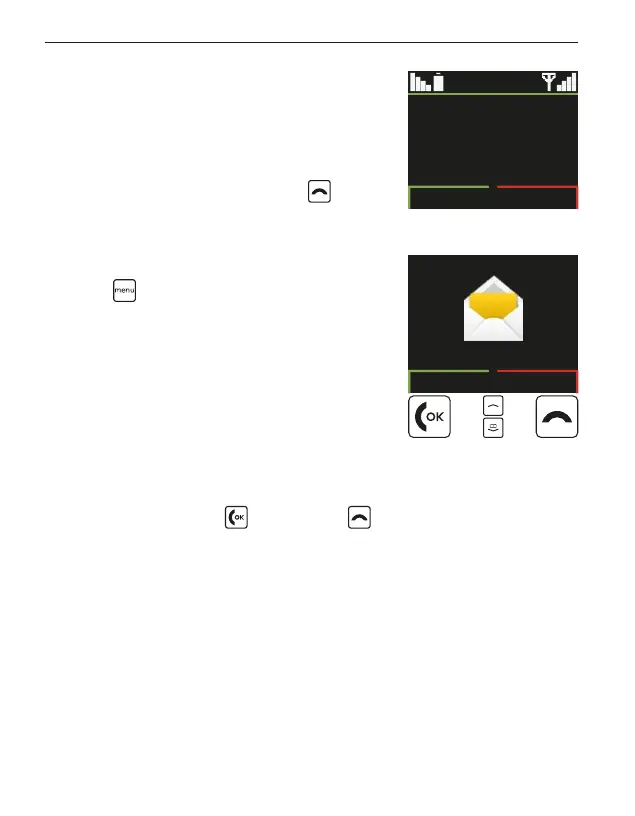
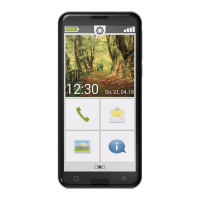
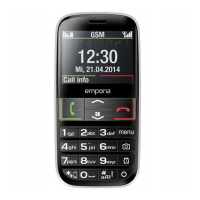
If your phone is on but not using a
function, it will display the home screen.
You can return to the home screen
any time by pressing the red
key
severaltimes.
2.2 Menu
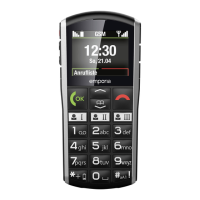
The keywill display the menu.
The menu is a list that enables you to
manage the phone's various functions
and adapt the phone to your needs.
• Use the arrow keys to scroll through
themenu.
• The items available in the menu are Messages, Radio, Tools,
Contacts, Call history and Settings.
• Use the green key
and red key beneath the screen to
conrm your selection or to return to the home screen.
Call history
12:30
Sun, 21.04
GSM
Messages
OK Back



 To Next Page