ENGLISH-08
3. CALLS
3.1 Accepting, rejecting or ending a call
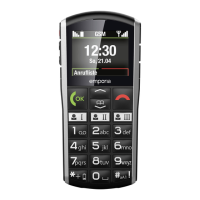
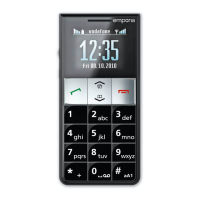
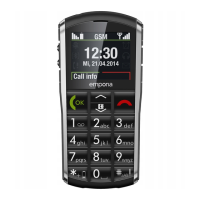
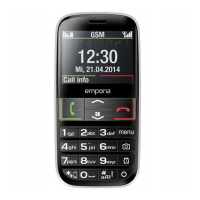
• To answer: Press the green key to accept the call.
• To reject or end a call: Press the red
key.
• To mute the ringtone temporarily, press the
volume
controlbutton.
If the screen has gone dark during a call, press the red key twice.
3.2 Calling someone
› Dialling a number
1. Enter the phone number you want to dial (incl. the area code)
using the keypad.
2. Start the call by pressing the green key
.
› Using the redial function
1. When on the home screen, press the green key
.
Your call history will be displayed.
2. Use the arrow keys
and to select a number.
3. Start the call by pressing the green key
.
To go hands-free during a call, open Options and turn on
thespeaker.



 To Next Page