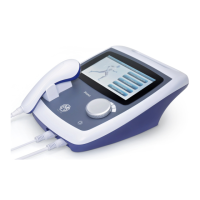
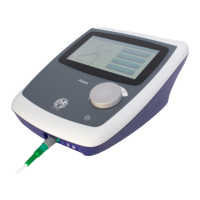
The first time the stimulator mode is selected from the list after turning on
the unit, or if Interferential 4-pole was previously in use, the selected mode
from the list will be applied to both channels A and B. The stimulator set-up
screen will be displayed, and for any mode other than Interferential 4-pole
the parameters for Channel A will be visible (Ch A is selected at the bottom
left of the screen). To observe and separately edit the parameters (or
mode) for Channel B, touch the ‘B’ button at the bottom left.
System Settings
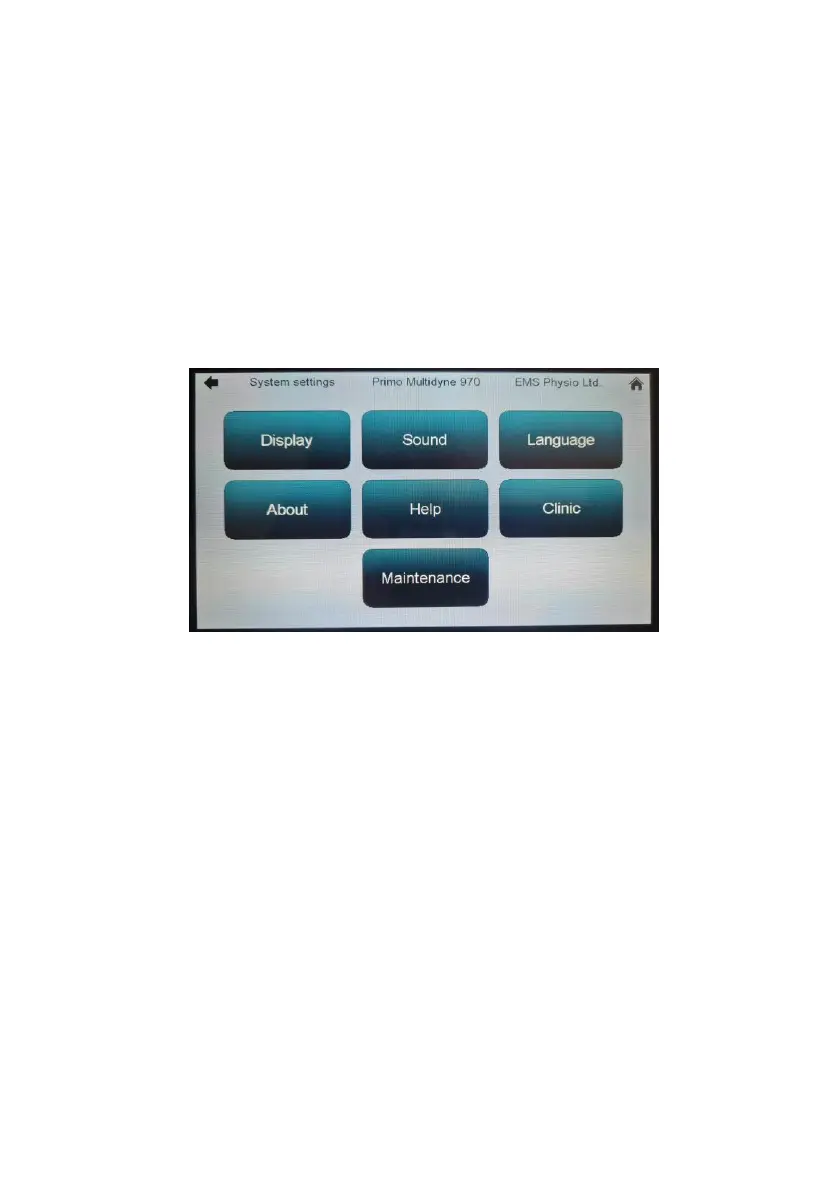
Touching the ‘System Settings’ button at the bottom of the ‘Home’ screen
takes you to the ‘System Settings’ screen.
The ‘Display’ button takes you to a screen where you can adjust the
display brightness using up/down buttons.
The ‘Sound’ button takes you to a screen where you can adjust the pitch
and volume of the audio.
‘Language’ allows you to change the display language to any that are
installed in the unit (English, French, German, Spanish and Italian as
standard).
The ‘About’ button displays info such as serial number and software
version.
‘Help’ brings up an embedded text version of this user manual.
‘Clinic’ allows you to enter a name label for the machine which will be
displayed at the top of all screens.
‘Maintenance’ is designed for service engineers and needs a pass code to
enter.


 To Next Page