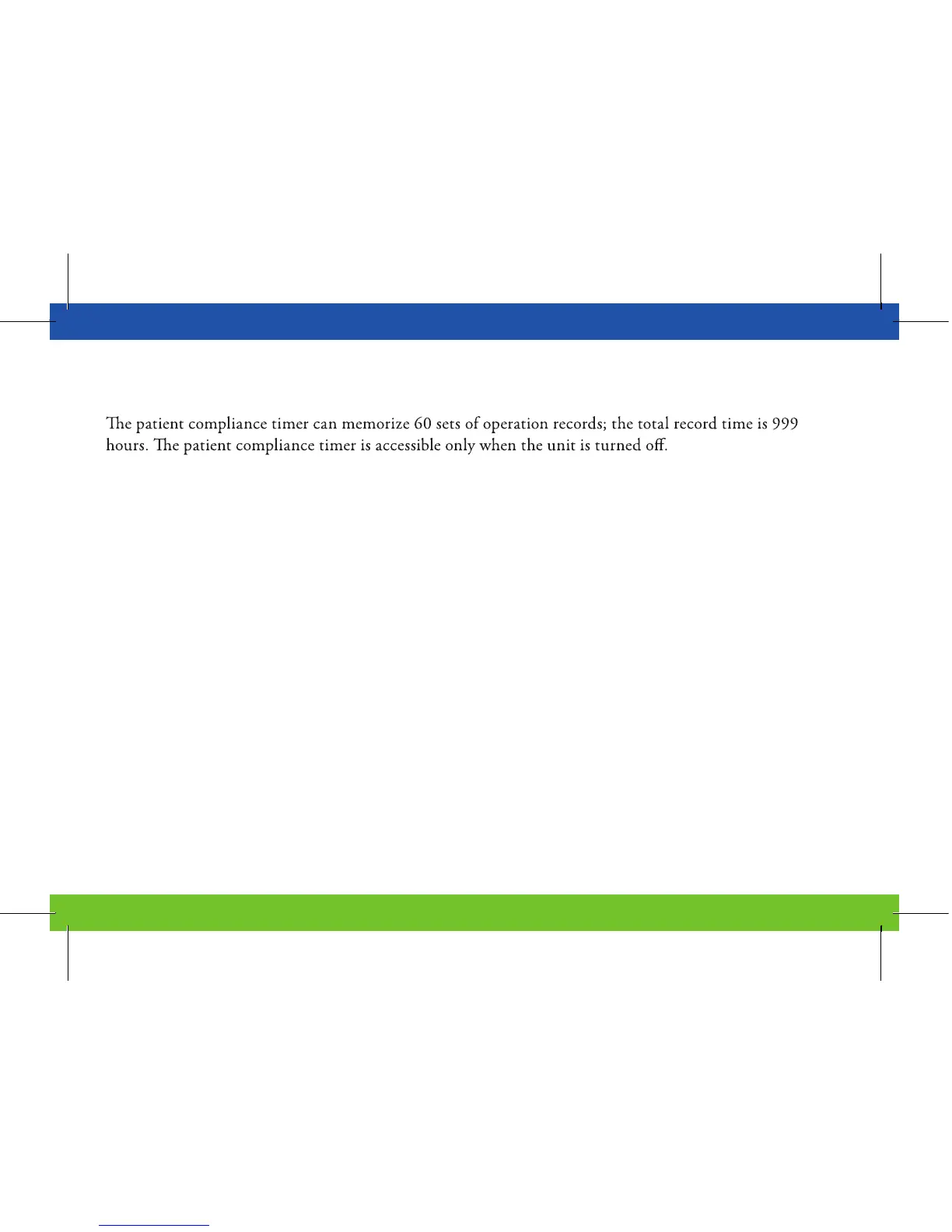
11.0 | Patient Compliance Timer
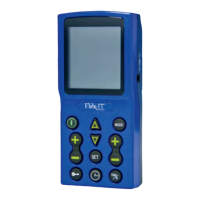
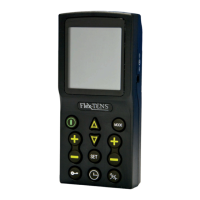
Press and hold “Mode” button, then press the “ON/OFF” button simultaneously to initiate the patient
compliance timer.
1. Individual treatment time:
Press “INCREASE” button (triangle button) or “DECREASE” button (inverted triangle button)
to scroll through the records of treatment times.
Press and hold “Set” button for 3 seconds to delete the displayed record. After the displayed record
is deleted, the unit will acknowledge with an audible response “Bi”.
22


 To Next Page