4.2
Login
(1)
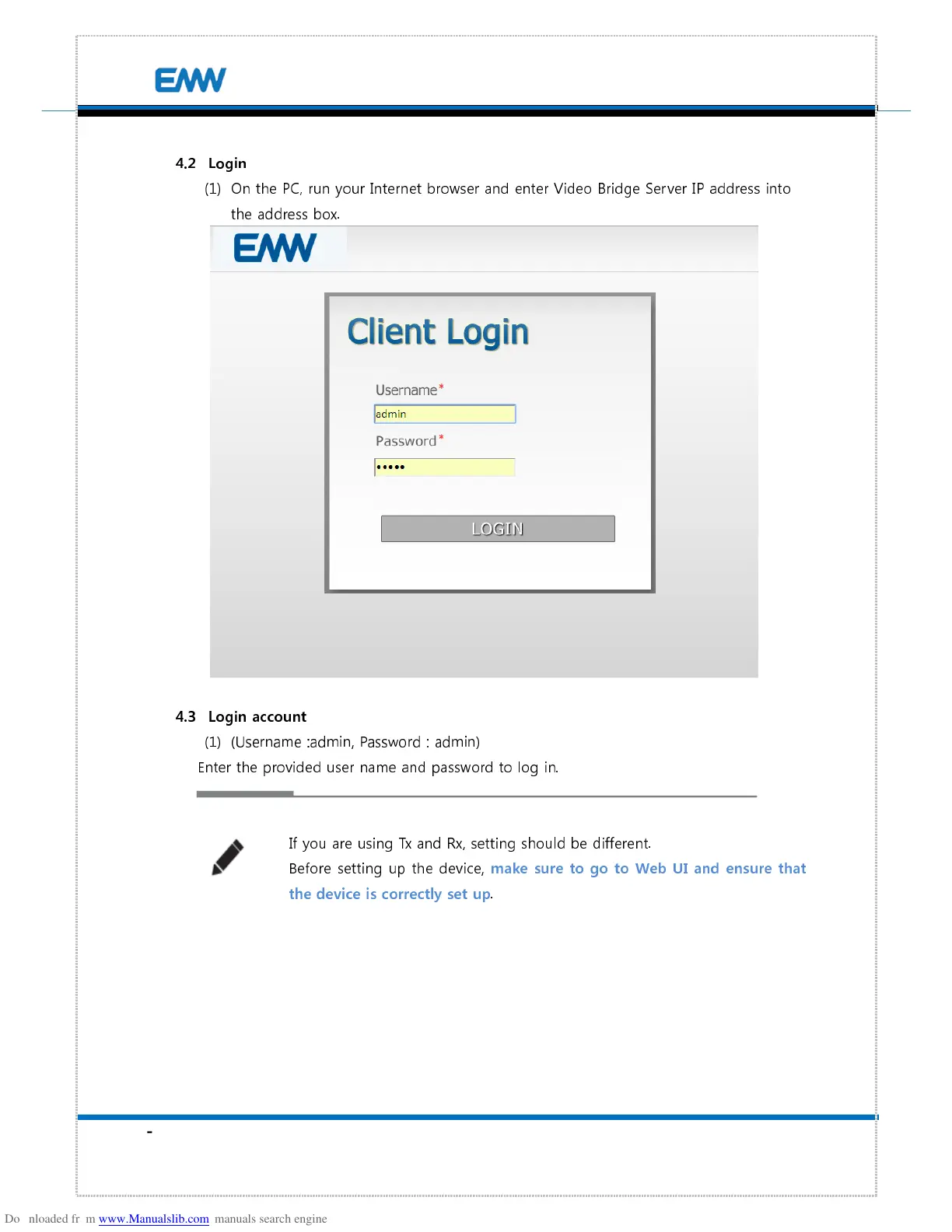
On the PC, run your Internet browser and enter Video Bridge Server IP address into
the address box.
4.3
Login account
(1)
(Username :admin, Password : admin)
Enter the provided user name and password to log in.
If you are using Tx and Rx, setting should be different.
Before setting up the device,
make sure to go to Web UI and ensure that
the device is correctly set up
.


 To Next Page