8. Fault diagnosis and measures
The followings are the measures to be taken when a problem occurs while using Video
Bridge. If the problem is not cured, please contact the customer center.
If the device needs to reset the settings, press the Reset button on the
side of the product for more than 10 seconds.
Faults Symptoms Measures
The product does
not operate.
Power LED is turned off.
Power may be unplugged.
Check if the power cord is properly
connected.
Tx’s Mode LED is turned on,
or Power LED is turned off.
Mode LED may be turn off or
on which is selected, Tx or Rx mode.
Go to [Config]>[Wireless] of Web UI
and check if mode is selected Tx or Rx.
Tx is not connected
with Rx.
Link LED flashes or is turned
off.
The connection between Tx and Rx lost
wireless connection or unstable.
Check the power and the settings of Tx
and Rx.
Video is lagging or
blank
Quality LED flashes or is
turned off.
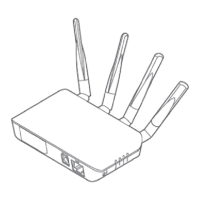
Check if the four antenna are all
correctly connected.
Check it from the nearest location
first.


 To Next Page